
Custom Software vs. Off-the-Shelf Solutions: A Practical Evaluation Framework
There is no universally “right” choice between custom and off-the-shelf software only what best aligns with your business context. Off-the-shelf solutions win on speed and cost efficiency for standardized needs, while custom software delivers long-term advantage through process fit, scalability, and ownership. In many cases, the optimal strategy is hybrid: buy where you can, build where it matters. The key is not the option you choose, but how deliberately you evaluate trade-offs, define boundaries, and align technology decisions with measurable business outcomes.
Scope of Work
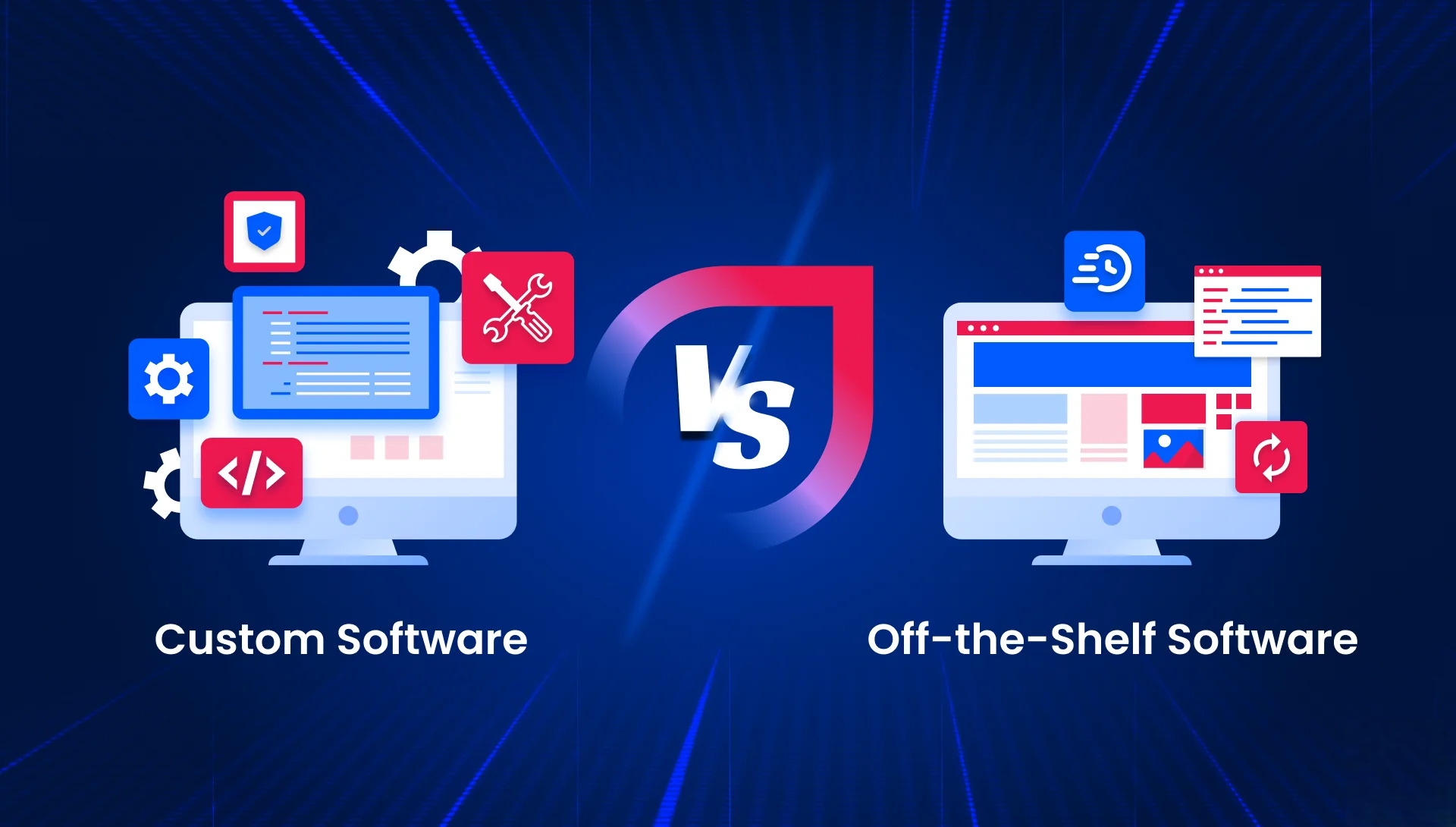
Most comparisons of custom software vs. off the shelf solutions stop at listing pros and cons and leave you to interpret what that means in practice. That approach falls short when you’re making a high stakes investment, aligning multiple stakeholders, and working against a fixed timeline.
The real question isn’t which option is inherently “better.” It’s which one aligns with your business requirements, delivery timeline, budget constraints, and long term growth trajectory.
This guide provides a structured evaluation framework covering the criteria that actually influence the decision along with a practical scorecard you can use to drive clarity and alignment in your next planning discussion.
What Off the Shelf Software Really Entails
Off the shelf software often referred to as commercial off the shelf (COTS) or packaged software includes pre built applications designed for broad, cross industry use. Well known examples include Salesforce for CRM, SAP for ERP, Shopify for online retail, and HubSpot for marketing operations. These solutions come with standardized feature sets that organizations configure to fit their workflows.
While often marketed as “out of the box,” the reality is more nuanced. Most enterprise deployments require substantial configuration before they deliver value. Custom fields, workflow automation, user roles, and modular extensions must be carefully set up often taking weeks or even months to align with business processes. In addition, many platforms rely on ecosystems of plugins, add ons, and tiered subscription models to unlock advanced capabilities over time.
However, packaged software has clear boundaries. It is not designed to:
- Fully replicate unique or highly specialized business processes outside its original design assumptions
- Support deep integrations with proprietary or legacy systems without significant customization
- Meet strict or industry specific compliance requirements without introducing workarounds
When the gap between standard functionality and actual business needs becomes too wide, those workarounds accumulate turning into a long term drag on productivity, scalability, and system maintainability.
For organizations considering a more tailored approach, understanding how custom software is designed and delivered from discovery through post launch is essential. This guide focuses on helping you determine whether that investment is justified in your specific context.
For a practical view of how this process works across different business contexts, you can explore custom software solutions by HomeNest Software.
A 7 Criteria Framework to Compare Off the Shelf vs. Custom Software
Rather than relying on generic pros and cons lists, a more effective approach is to evaluate both options through a structured lens. The framework below breaks the off the shelf vs. custom software decision into seven practical criteria each reflecting factors that consistently influence real world outcomes.
1. Time to Deploy
Speed is often the first constraint teams face.
- Off the shelf software can be deployed quickly ranging from a few days for basic setups to 2–6 months for enterprise level configuration, including integrations, data migration, and training.
- Custom software requires more time upfront. An MVP typically takes 3–4 months, while a full scale platform can extend to 6–12 months or more.
The trade off is clear: speed vs. precision fit. Fast deployment loses its advantage if it leads to months of manual workarounds later.
A recurring pattern: skipping discovery in custom builds or rushing integration planning in packaged tools almost always leads to costly rework.
2. Upfront Cost vs. Total Cost of Ownership
Initial costs often favor packaged solutions but long term economics tell a more nuanced story.
- Off the shelf: Lower entry cost (e.g., $50–$500 per user/month), but costs scale with users, premium tiers, and integrations. Over time, total cost can reach 2–3× the initial licensing fees.
- Custom software: Higher upfront investment ($50,000–$500,000+), plus ongoing maintenance (typically 15–20% annually), but no recurring licensing or vendor imposed limits.
A critical hidden factor is the “workaround tax” the cumulative cost of manual processes and inefficiencies when software doesn’t fully fit your workflow.
3. Flexibility and Process Fit
This is often the deciding factor for companies with non standard workflows.
- Off the shelf tools support common business processes with configurable options (fields, workflows, roles), but remain constrained by vendor design.
- Custom software is built around your exact processes especially valuable when workflows are a competitive advantage or involve regulatory complexity.
A practical test: evaluate your top 10 workflows. If several require workarounds or aren’t supported at all, process fit becomes a critical concern.
4. Scalability and Performance
Scalability depends heavily on future growth expectations.
- Off the shelf solutions scale efficiently within predefined limits but cannot be re architected beyond vendor constraints.
- Custom systems can scale to exact requirements but only with deliberate architectural planning and ongoing investment.
Key question: Will your growth stay within vendor limits over the next 3–5 years?
5. Integration with Existing Systems
Modern businesses operate within complex, multi system environments.
- Off the shelf tools may offer APIs and marketplace integrations, but you are dependent on the vendor’s ecosystem and roadmap.
- Custom software allows full integration flexibility connecting with legacy systems, proprietary databases, or non standard APIs.
Before deciding, map your full tech stack. Missing integrations can significantly increase cost and complexity.
6. Security, Compliance, and Data Ownership
This is a critical factor in regulated industries.
- Off the shelf solutions provide standardized security (e.g., SOC 2, encryption), but limit control over data residency, access policies, and incident response.
- Custom software offers full control over data, infrastructure, and compliance mechanisms often required for standards like HIPAA, PCI DSS, or government regulations.
Ownership also matters: with custom software, you control both the code and the data without vendor restrictions.
7. Vendor Dependency and Long Term Risk
Every decision introduces risk the key is understanding which type you are better equipped to manage.
- Off the shelf risk: pricing changes, feature deprecation, vendor lock in, or platform discontinuation
- Custom software risk: reliance on internal teams or development partners for maintenance and evolution
The real question is not which risk is greater but which risk your organization can manage more effectively.
This framework is designed to move the conversation from abstract comparisons to practical, context driven evaluation so you can make a decision that holds up not just today, but over the next several years.
The Hybrid Approach Most Teams Overlook
In reality, the decision is rarely a strict custom vs. off the shelf choice. Most mature organizations adopt a hybrid “build and buy” model leveraging packaged software for standardized functions while developing custom solutions where differentiation or complexity demands it.
The pattern is straightforward:
use off the shelf tools for commoditized needs such as email, project management, CRM, or accounting and invest in custom development where your business requires flexibility, competitive advantage, or deeper system integration. In this model, packaged software forms the operational backbone, while custom built components act as the connective layer that bridges gaps and enables tailored workflows.
How the Hybrid Model Works in Practice
- E commerce
A company uses Shopify for storefront and checkout, but builds a custom order management system to support complex fulfillment logic that no packaged solution can handle effectively. - Fintech
A company relies on Stripe for payments, while developing a custom compliance and reporting engine to meet regulatory requirements that exceed standard platform capabilities.
Where Hybrid Approaches Succeed and Fail
The hybrid model performs well when clear boundaries are established between what is bought and what is built. Each system has a defined role, and integrations are intentional rather than reactive.
It begins to break down when the integration layer becomes overly complex introducing fragile dependencies, rising maintenance costs, and operational overhead that rivals (or exceeds) the cost of building a unified system from the start.
The key is discipline early in the process:
define system boundaries, integration responsibilities, and long term ownership during the planning phase not during implementation.
A Decision Scorecard You Can Apply Immediately
To move from abstract debate to actionable clarity, use a simple scoring model. Evaluate each of the seven criteria on a 1–5 scale, based on your actual business context not generic assumptions.
For each criterion, ask:
“Which option off the shelf or custom better supports our goals, constraints, and operating reality?”
How to Interpret the Results
- Off the shelf scores 4–5 across most criteria
Start with packaged solutions. Your needs are likely standardized, and the most efficient path is to configure existing tools rather than build from scratch. - Custom scores significantly higher on 3+ critical criteria
Invest in purpose built software. While upfront costs are higher, the long term return driven by better process alignment, scalability, and ownership typically outweighs the initial investment. - Mixed results across criteria
Consider a hybrid “build and buy” approach. Use off the shelf tools where they perform well, and develop custom components where gaps create friction or limit growth.
Two Important Considerations
First, not all criteria carry equal weight. For example, security and compliance may be non negotiable in healthcare or fintech, while speed to deploy may dominate in internal productivity use cases. Prioritize accordingly.
Second, this scorecard is not a formula it is a decision support tool. Its value lies in structuring the problem, aligning stakeholders, and making trade offs explicit. The final decision should always reflect your organization’s strategic priorities, risk tolerance, and execution capability.
If your evaluation points toward a custom approach, the next step is understanding how to execute it effectively from discovery and architecture planning to partner selection and long term optimization.
Looking to build a solution that truly fits your business? Partner with HomeNest Software to get started.
FAQs
1. What is the main difference between custom software and off the shelf solutions?
Off the shelf software is pre built for a broad market and configured to fit your needs, while custom software is designed and developed specifically for your business processes. The key difference lies in flexibility, control, and how closely the solution fits your operations.
2. When should you choose off the shelf software?
Off the shelf is the better option when your requirements are standardized, time to deploy is critical, and the available tools already cover most of your needs without heavy customization.
3. When is custom software the right investment?
Custom software makes sense when your workflows are unique, integration requirements are complex, or your business depends on capabilities that packaged tools cannot support effectively.
4. What is the hybrid (build and buy) approach?
The hybrid approach combines both models using off the shelf tools for common functions and building custom solutions for areas that require differentiation or deeper integration.
5. Is custom software always more expensive than off the shelf?
Custom software has a higher upfront cost, but off the shelf solutions can become more expensive over time due to subscriptions, add ons, and inefficiencies from workarounds. The total cost depends on long term usage and scale.
6. How do you evaluate total cost of ownership (TCO)?
TCO includes not just initial costs but also ongoing expenses such as licensing, maintenance, integrations, infrastructure, and operational inefficiencies. A 3–5 year view provides a more accurate comparison.
7. Can off the shelf software handle complex integrations?
Some enterprise tools offer strong APIs and integration ecosystems, but limitations are common. Custom software provides greater flexibility for integrating with legacy systems or proprietary platforms.
8. What are the risks of relying on off the shelf software?
Key risks include vendor lock in, pricing increases, feature deprecation, and limited control over data and system behavior.
9. What are the risks of building custom software?
Custom software requires ongoing maintenance, skilled engineering resources, and strong documentation. Without proper governance, it can become difficult to scale or maintain.
10. How long does it take to implement each option?
Off the shelf solutions can take days to weeks for basic setups and months for enterprise deployment. Custom software typically takes 3–12 months depending on scope and complexity.
11. How important is scalability in this decision?
Scalability is critical. If your business is expected to grow beyond the limits of packaged tools, custom software or a hybrid approach becomes more viable.
12. Can you switch from off the shelf to custom later?
Yes, many companies start with off the shelf and transition to custom as they scale. However, migration can be complex, so planning for future flexibility early is recommended.
Latest Articles
View All
How Much Does It Cost to Build a Shopping App Like Temu?
Temu’s meteoric rise to over 900 million global downloads proves the power of combining AI, gamification, and social commerce, but building a similar viral shopping platform requires careful financial and technical planning. Developing an app like Temu typically costs anywhere from $40,000 for a basic Minimum Viable Product (MVP) to over $300,000 for a fully-featured platform. This guide breaks down every cost category, analyzes the core features driving Temu’s success, highlights the best technology stacks, and offers practical strategies to optimize your development budget without compromising on quality.

Criteria For Choosing The Right App Design Agency
UI/UX design is the logical foundation of a system, not merely a visual element. Choosing the wrong partner will directly lead to technical debt, budget overruns, and disruptions in the development process. This article provides a 6-step evaluation framework and a list of operational risks, helping businesses eliminate subjective design advice and accurately assess agency capabilities based on developer handoff standards and practical business performance.

How Does AI in Banking Industry Impact the Future?
Artificial intelligence (AI) has transitioned from a supplementary tool to a core infrastructure of financial data management, optimizing profitability through real-time fraud detection, natural language processing (NLP), and high-speed credit scoring models. “Deploying AI in the financial sector requires more than just algorithmic accuracy, it demands a highly secure cloud architecture and rigorous data governance,” commented Nguyen Tien, co-founder of HomeNest Software. Why read this guide? We skip the theoretical jargon to focus entirely on technical implementation. Whether you’re evaluating a vendor or planning a system overhaul, this article will detail: Operational Efficiency: Automating unstructured data workflows at scale. Risk Architecture: Implementing real-time threat detection and AML compliance. Data ownership: The essential need for 100% ownership of the source code to ensure full algorithm auditability.
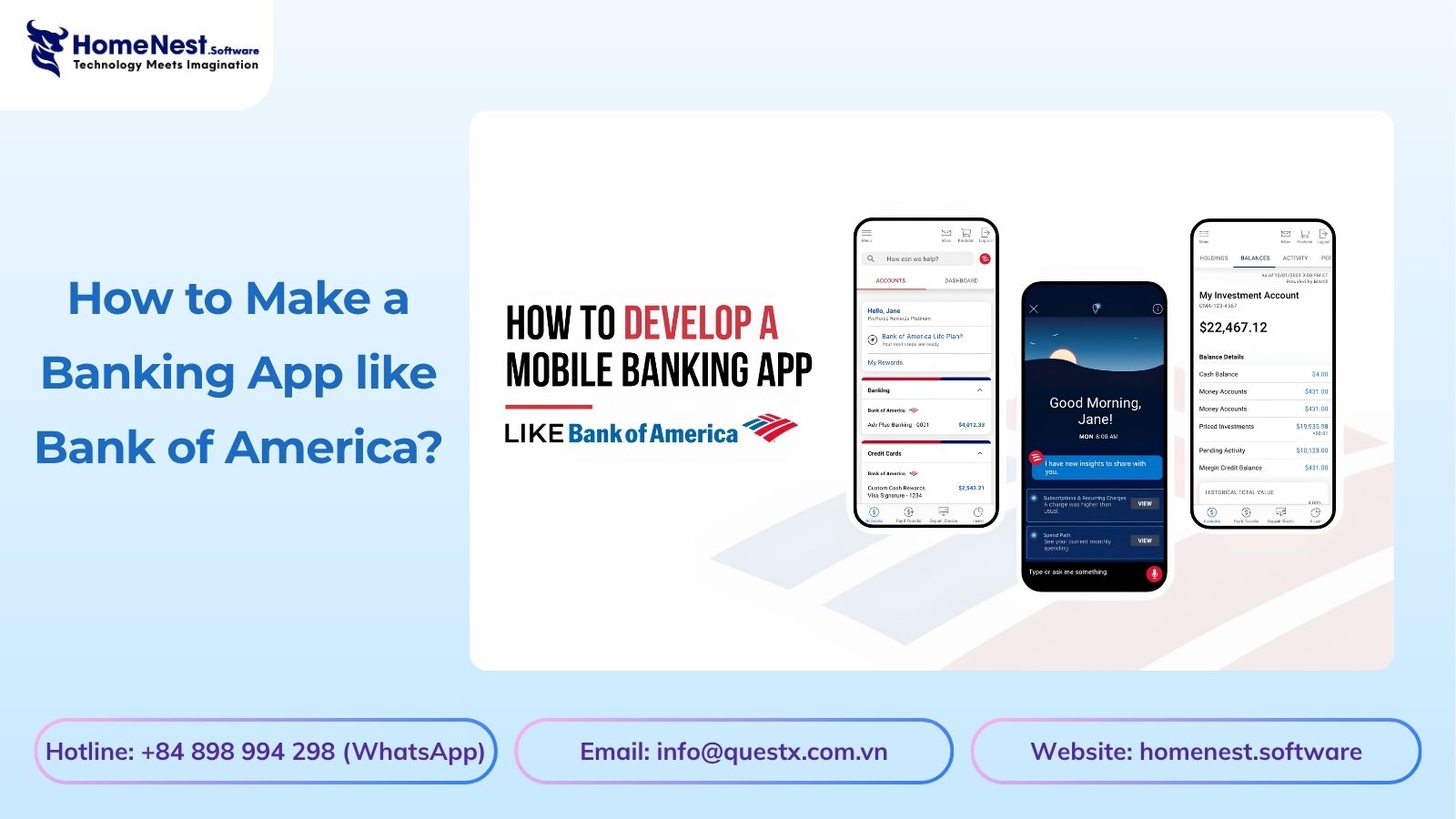
How to Make a Banking App like Bank of America?
Developing a mobile banking application like Bank of America extends far beyond basic UI design; it requires engineering a fault-tolerant backend capable of real-time ledger synchronization, biometric authentication, and high-volume data processing under strict regulatory frameworks. Drawing from HomeNest Software’s deep experience in architecting enterprise-grade fintech solutions, this guide strips away theoretical jargon to focus entirely on operational and technical execution. What you will find in this guide: We break down the precise development roadmap, from mapping out microservices and ensuring PCI-DSS compliance to estimating MVP development costs and securing absolute data sovereignty through 100% source code ownership. If you are preparing to build, scale, or audit a financial platform, this blueprint provides the exact framework you need.
Banking App Development Cost
Building a banking application is rarely a simple process; it’s a complex technical challenge requiring a balance between complying with stringent financial regulations, handling large transaction volumes, and a scalable cloud architecture. Miscalculating these technical requirements from the outset often leads to significant technical debt and budget overruns. Based on HomeNest Software’s practical experience in designing enterprise-grade fintech solutions, this guide bypasses generic estimates to provide a realistic analysis of banking application development costs. What you’ll find in this guide: We analyze the true cost factors, from technology selection and API integration to the hidden costs of regulatory compliance and security infrastructure. Whether you’re launching a minimum viable product or expanding an existing financial platform, this analysis provides the precise operational data you need to plan your budget effectively.
How to Build a Mobile Banking App Like Chime?
Building a mobile banking app like Chime is not just about features, it is about delivering a secure, scalable, and user-centric financial experience. From planning the right architecture to optimizing mobile banking app development cost, every decision directly impacts your product’s success. Leveraging Fintech app development services, starting with MVP app development, and scaling through on-demand app development solutions allows businesses to reduce risk and accelerate time to market. To stay competitive, combining Android app development services and iOS app development solutions ensures wider reach, while continuous updates through maintenance software development services keep your app secure and future-ready.