
How to Build a Mobile Banking App Like Chime?
Building a mobile banking app like Chime is not just about features, it is about delivering a secure, scalable, and user-centric financial experience. From planning the right architecture to optimizing mobile banking app development cost, every decision directly impacts your product’s success. Leveraging Fintech app development services, starting with MVP app development, and scaling through on-demand app development solutions allows businesses to reduce risk and accelerate time to market.
To stay competitive, combining Android app development services and iOS app development solutions ensures wider reach, while continuous updates through maintenance software development services keep your app secure and future-ready.
Scope of Work
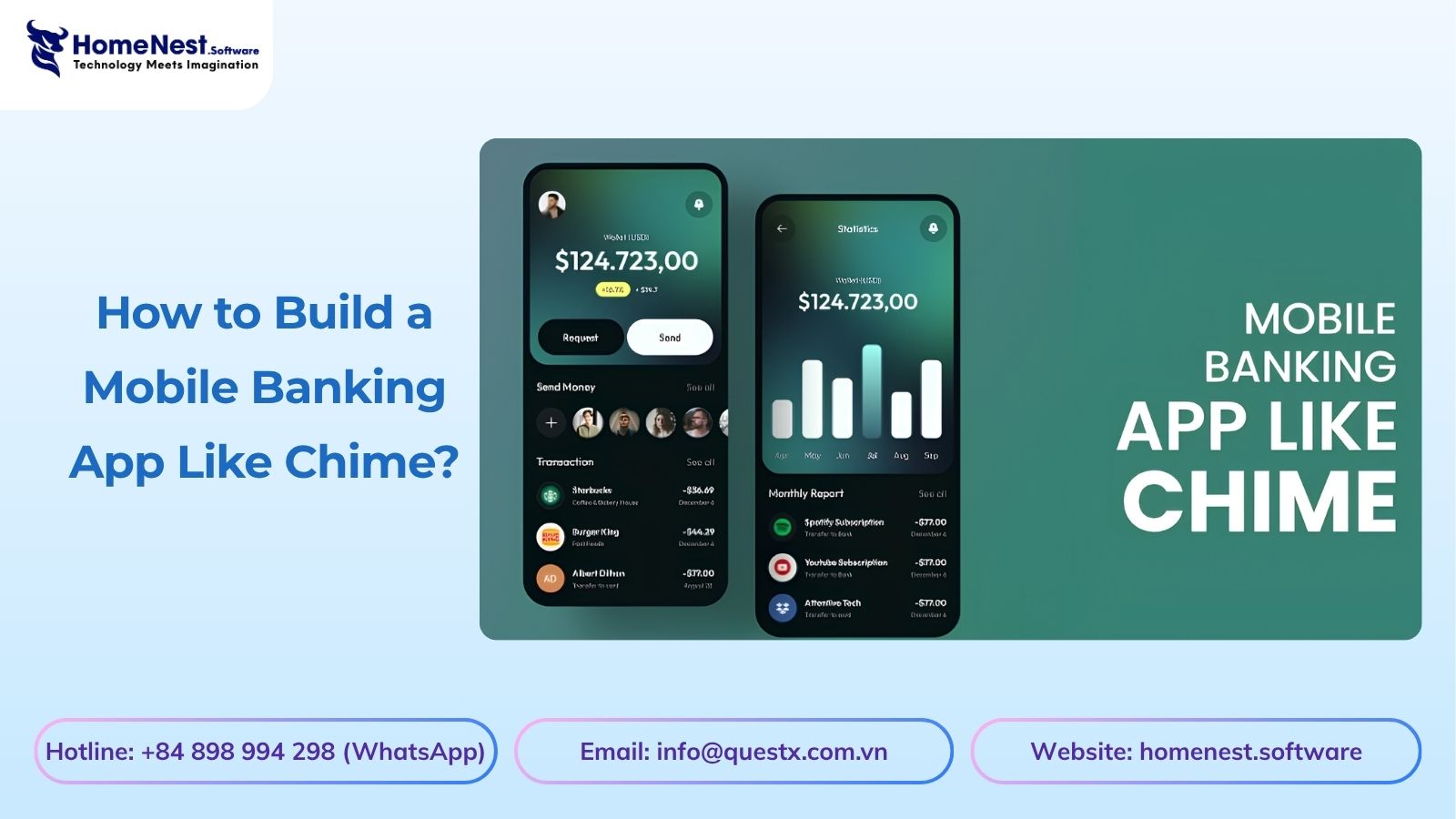
Building a mobile banking app like Chime isn’t simply about copying a beautiful interface, it requires designing a highly available backend capable of handling concurrent transactions, ensuring lag-free ledger updates, and maintaining strict regulatory compliance. Many businesses underestimate these platform requirements, leading to vulnerable architectures and delayed launches.
Based on HomeNest Software’s extensive experience in developing scalable fintech platforms, this guide eliminates generic advice to focus rigorously on the technical and operational roadmap.
What you’ll find in this guide: We detail the architectural requirements, from selecting core features and API integration to the actual costs of security compliance and cloud infrastructure. Whether you’re building a minimum viable product (MVP) or a full-scale digital bank, this plan provides the practical insights needed to execute it flawlessly.
Market Statistics of Global Mobile Banking Applications
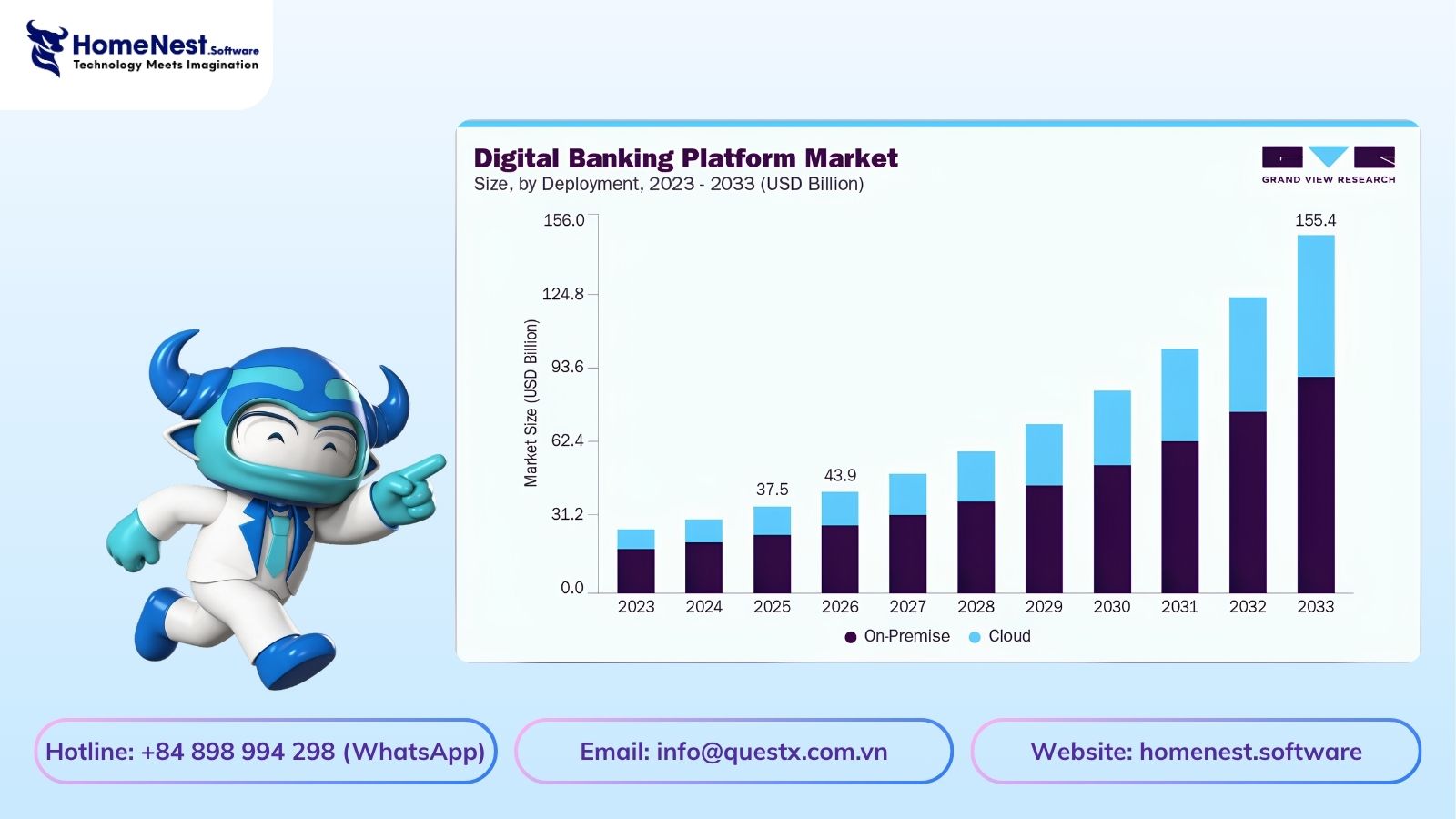
The global mobile banking market is expanding rapidly, driven by increasing demand for digital financial services and mobile-first user experiences. According to Grand View Research, both current and future projections highlight strong growth potential:
- The mobile banking platform market is valued at approximately $37.49 billion in 2025 and is expected to reach $155.4 billion by 2033
- The industry is projected to grow at a CAGR of 19.8% from 2026 to 2033
- In terms of deployment, the on-premise segment leads with around 67.5% revenue share in 2025
- Regionally, Asia Pacific dominates the market with about 32.5% share in 2025
- By usage mode, the online banking segment holds the highest revenue share in 2025
These insights confirm that mobile banking is not just a trend but a long-term shift in how financial services are delivered and consumed globally.
What is Chime?
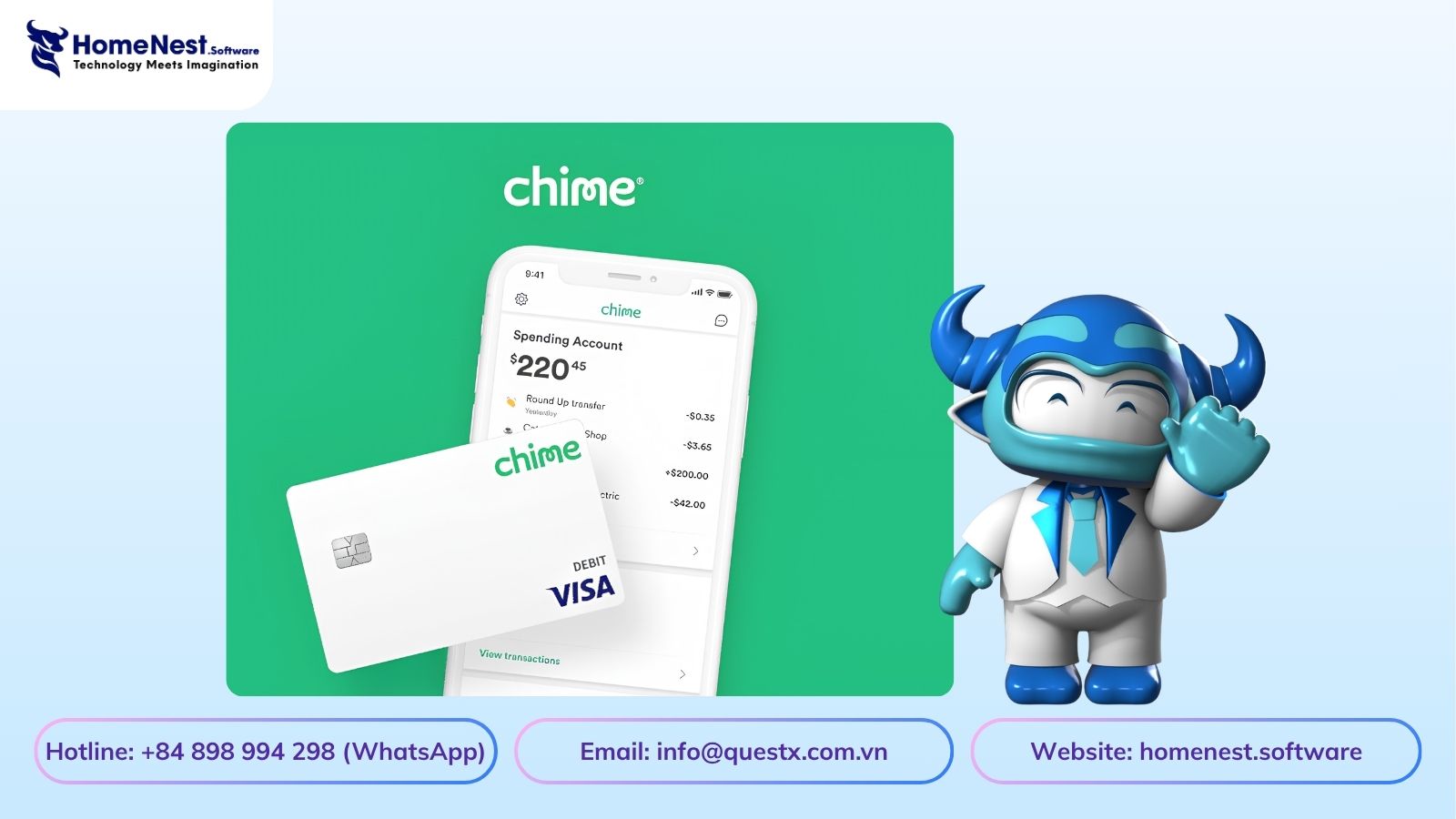
Chime is a US-based mobile banking platform that allows users to open and manage their accounts entirely through a smartphone. It enables users to create checking and savings accounts, receive a debit card, deposit money, and handle everyday financial activities without visiting a physical bank.
One of Chime’s biggest advantages is its fee-free model. There are no monthly maintenance fees and no minimum balance requirements, making it highly accessible to a wide range of users.
With the app, users can:
- Track their spending in real time
- Set up automatic savings
- Receive direct deposits
- Manage transactions easily from anywhere
Founded in 2012 in San Francisco by Chris Britt and Ryan King, Chime has positioned itself as a modern alternative to traditional banking by focusing on simplicity, transparency, and user convenience.
How Does the Chime App Work?
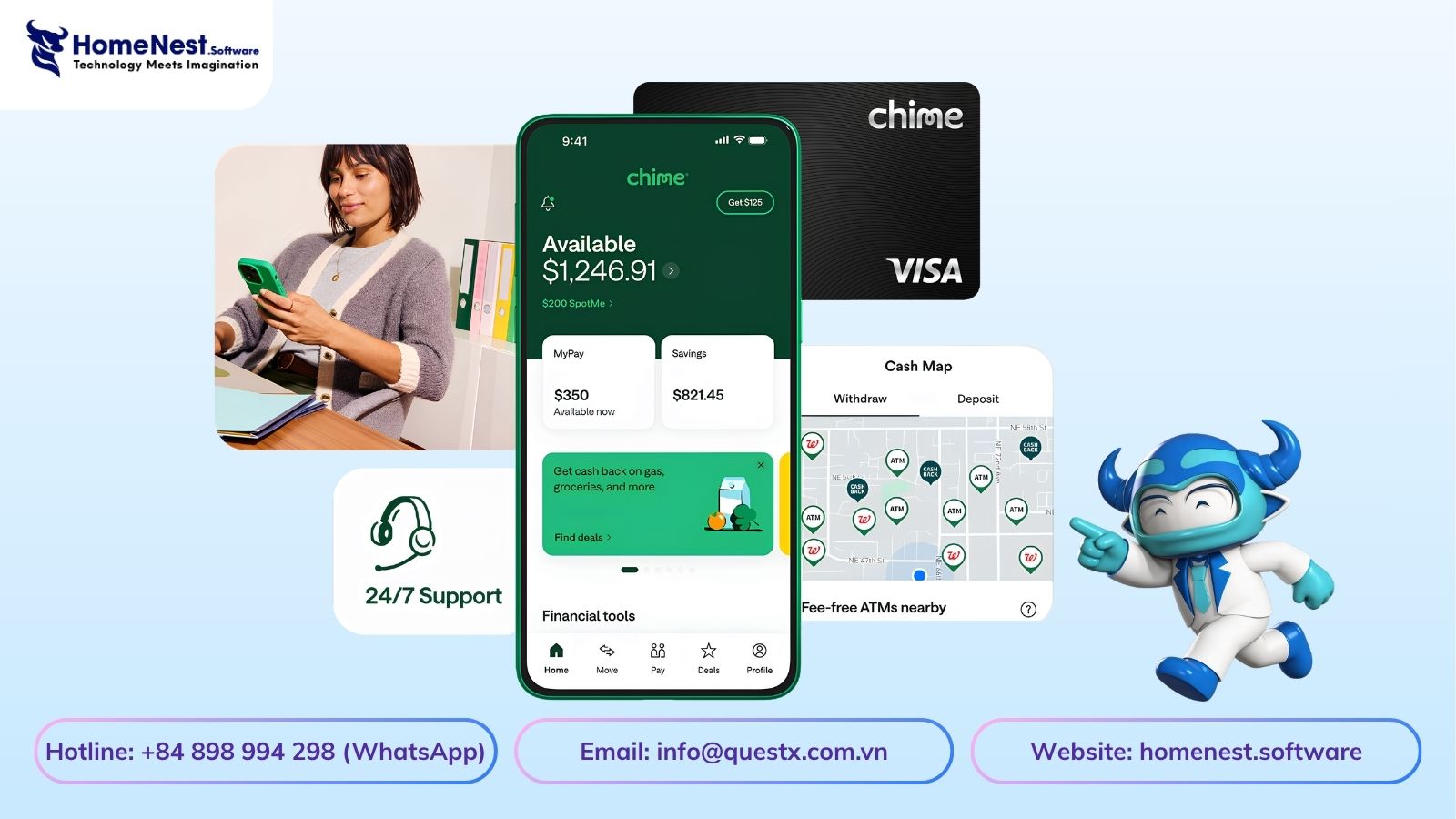
Understanding how Chime operates helps you see why it delivers such a smooth and user-friendly banking experience. The app is designed around simplicity, allowing users to get started quickly and manage their finances with minimal effort.
1. Create an Account
Users begin by downloading the app and signing up with their personal information. After identity verification, a checking account is created, and a debit card is sent to the user’s address.
2. Add Funds
Once the account is set up, users can fund it in multiple ways:
- Set up direct deposit from their employer
- Transfer money from another bank account
- Deposit cash through supported retail partners
3. Manage Your Money
With funds available, users can:
- Make purchases using the debit card
- Track spending in real time
- Enable automatic savings features
- Receive instant notifications for transactions
- Withdraw cash from fee-free ATMs
Industry Insight
According to LinkedIn, more than 70% of users prefer mobile banking for daily transactions. This trend is especially strong among younger users, with 57% of millennials and 64% of Gen Z favoring digital-first or non-traditional banking solutions.
Why Businesses Invest in Mobile Banking App Development
Mobile banking is no longer just a convenience. It has become a strategic growth channel for financial services institutions and fintech startups. The role of mobile app development in banking goes beyond improving user experience. It helps businesses scale faster, reduce costs, and unlock new revenue streams.
1. Expanding Customer Reach
Mobile banking apps make it easier to attract and onboard users. Today, most customers prefer using apps to open accounts, transfer money, and check balances. Compared to traditional banking channels, mobile platforms provide faster access to a much larger audience.
2. Better Customer Experience
Users expect financial services to be simple, fast, and accessible anytime. With on-demand app development solutions, customers can manage their finances from anywhere, at any time. This convenience builds trust and significantly improves customer retention.
3. New Revenue Opportunities
Mobile apps open the door to multiple monetization strategies. Businesses can offer premium features, instant loans, credit services, and investment options. Partnerships with third-party providers also create additional income streams, increasing overall profitability.
4. Reduced Operational Costs
Running physical branches comes with high operational expenses. Mobile banking apps eliminate much of this overhead by automating processes and reducing manual work. This leads to improved efficiency and higher profit margins.
5. Competitive Advantage
The financial sector is highly competitive. Companies that invest in modern, secure mobile apps position themselves as innovative and forward-thinking. A well-built banking app not only attracts tech-savvy users but also strengthens brand credibility in the market.
Industry Insight
According to Reuters, Chime went public on the Nasdaq in June 2025 under the ticker CHYM, raising $864 million at $27 per share. This highlights the strong market confidence in digital banking platforms and their long-term growth potential.
What Are the Technical Steps to Create a Mobile Banking App Like Chime?
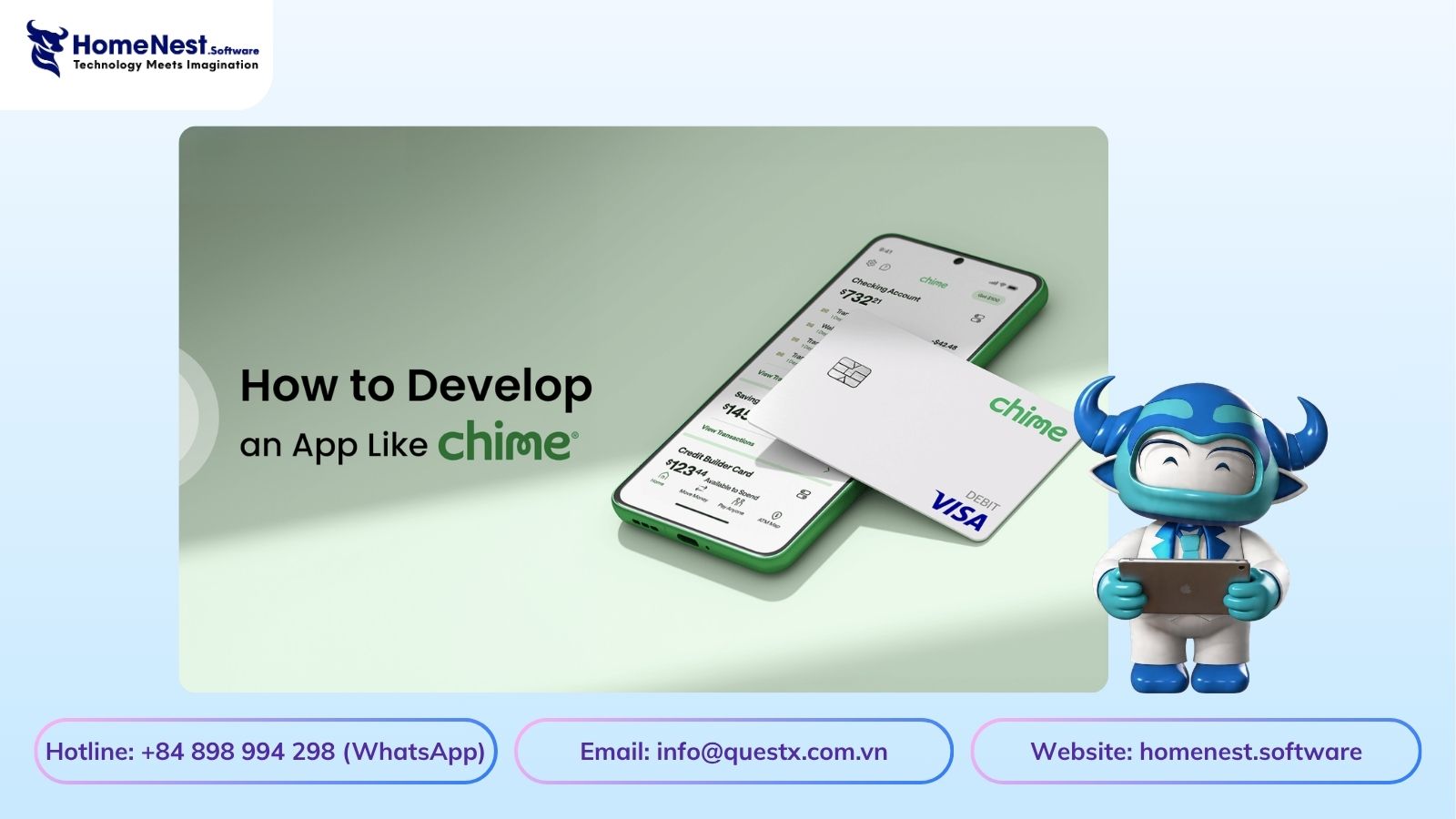
Building a mobile banking app like Chime requires a structured, end-to-end approach, from initial research to long-term maintenance. Each stage plays a critical role in ensuring your app is secure, scalable, and aligned with user expectations.
1. Market Research
Start by deeply understanding your target users and the fintech landscape. Analyze customer behavior, study competitors, and identify gaps in existing solutions. Evaluate demographics, revenue models, and regulatory requirements while uncovering real user pain points that your app can solve.
2. Define Project Requirements
Clearly outline your business objectives, target audience, and core features. Determine compliance standards your app must follow and plan for integrations with banks, payment gateways, and KYC providers. At this stage, it is common to hire dedicated developers to ensure proper system architecture and third-party integrations.
3. Choose the Right Tech Stack
Selecting the right technologies is crucial for performance and scalability.
- Frontend: Swift (iOS), Kotlin (Android), or Flutter (Cross-platform)
- Backend: Node.js, Java, or Python
- Cloud: AWS or Google Cloud
- APIs: Secure REST or GraphQL
Your architecture should support encryption, microservices, and high-volume financial transactions.
4. UI/UX Design
Design a clean and intuitive interface that simplifies financial interactions. Create wireframes and prototypes to test usability early. Partnering with a professional fintech app development company helps deliver seamless onboarding, clear dashboards, and a consistent experience across iOS and Android platforms.
5. App Development
Develop both frontend and backend components using agile methodology. Implement essential features such as:
- Account creation and management
- Transaction tracking
- Debit card integration
- Push notifications
- Automated savings
Ensure secure payment gateway integration and smooth API connectivity with banking systems.
6. Testing and Security
Conduct comprehensive testing, including unit testing, integration, performance, and usability. In the fintech sector, security goes beyond basic encryption and two-factor authentication (2FA); it requires complete architectural control to pass rigorous regulatory audits.
Relying on closed-source third-party solutions often leads to potential vulnerabilities and compliance bottlenecks. Partnering with a development company that guarantees 100% source code transfer is essential. Full source code ownership allows your internal IT and compliance teams to fully test security protocols, preventing vendor dependence and maintaining absolute data sovereignty over all user transactions. Vulnerability assessments and penetration testing are critical to meeting compliance standards.
7. Launch and Ongoing Maintenance
Once the app is ready, launch it on the App Store and Google Play. After release, monitor performance using analytics tools, fix bugs, roll out regular updates, and scale infrastructure as your user base grows. Continuous improvement and maintenance are key to staying competitive in the fast-moving digital banking market.
What Features Should Be Included in a Mobile Banking App Like Chime?
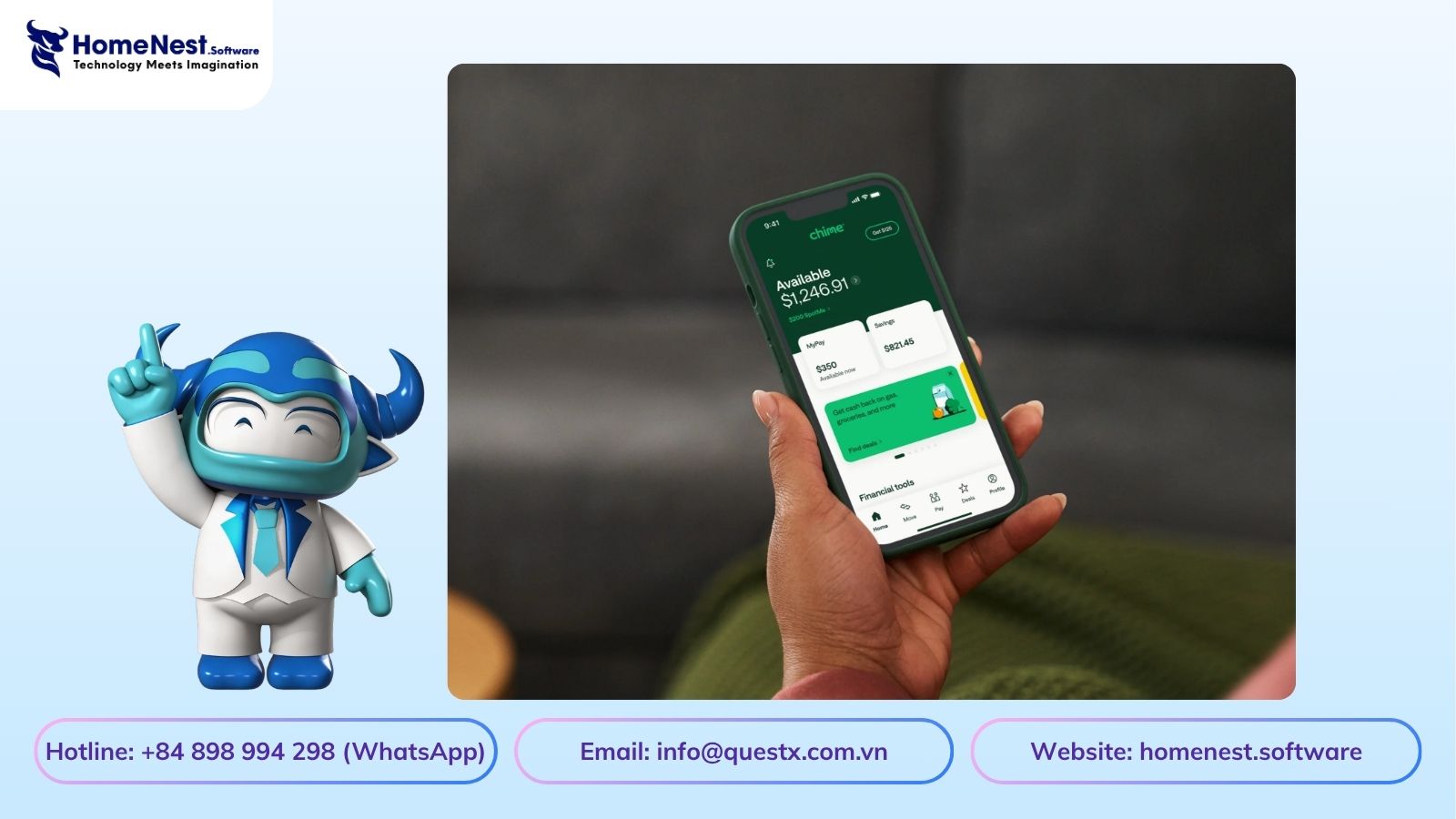
Choosing the right feature set is one of the most critical steps when building a mobile banking app. A successful app like Chime combines essential banking functions with advanced, user-friendly capabilities. Below are the key features you should consider integrating:
1. Fast and Simple Account Opening
Allow users to register and verify their identity within minutes. A smooth onboarding process with minimal paperwork and instant approval significantly improves user acquisition.
2. Transparent Fee Structure
Eliminate hidden charges such as monthly maintenance or overdraft fees. Transparency builds trust and strengthens long-term customer relationships.
3. Early Direct Deposit
Enable users to access their salaries earlier than traditional banking timelines. This feature improves cash flow and enhances user satisfaction.
4. Real-Time Notifications
Provide instant alerts for transactions, deposits, withdrawals, and suspicious activities. Real-time updates improve user awareness and security.
5. Automated Savings Features
Encourage better financial habits by offering tools that round up transactions and automatically transfer small amounts into savings accounts.
6. Budget Tracking Dashboard
Offer a visual dashboard that shows spending patterns, categorized expenses, and monthly summaries. This helps users stay in control of their finances.
7. Advanced Security Measures
Implement strong security protocols such as two-factor authentication (2FA), biometric login, encryption, and fraud detection systems to protect user data.
8. Free ATM Access
Partner with ATM networks to allow users to withdraw cash without additional fees, improving convenience and usability.
9. Mobile Check Deposit
Enable users to deposit checks by simply taking a photo within the app, eliminating the need to visit physical bank branches.
10. 24/7 Customer Support
Provide continuous support through chat, email, or phone. Quick and reliable assistance enhances user trust and overall experience.
10 Best Mobile Banking Apps Like Chime
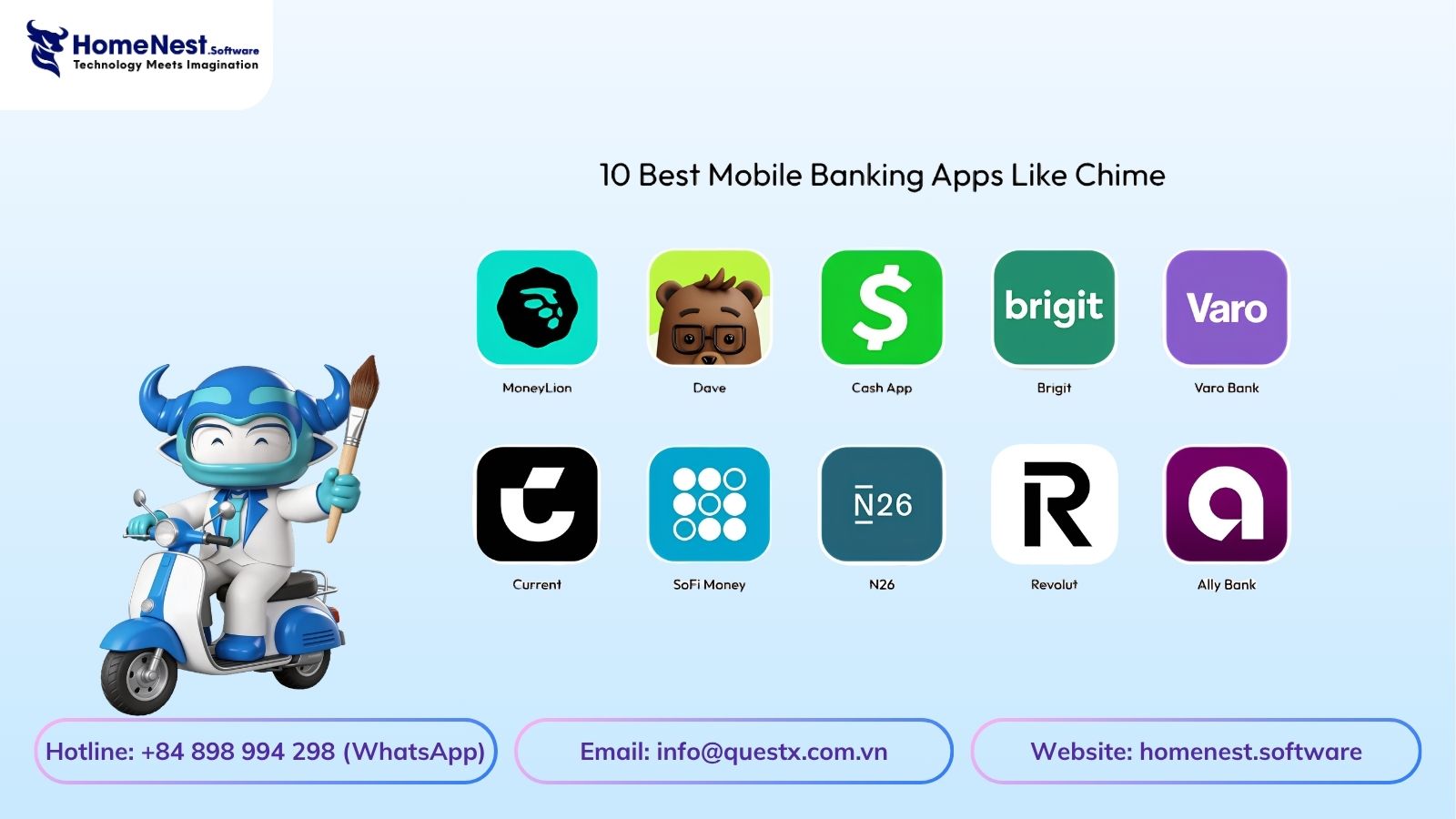
While Chime is a leading name in digital banking, it is not the only successful player in the market. Many alternatives have gained strong traction by offering innovative features and seamless user experiences. Below is a list of top mobile banking apps you can explore or benchmark.
Top Apps Overview
| App Name | Downloads | Rating | Launch Year | Platforms |
|---|---|---|---|---|
| MoneyLion | 5M+ | 4.2 | 2013 | iOS, Android |
| Dave | 5M+ | 4.5 | 2017 | iOS, Android |
| Cash App | 100M+ | 4.7 | 2013 | iOS, Android |
| Brigit | 1M+ | 4.3 | 2016 | iOS, Android |
| Varo Bank | 5M+ | 4.5 | 2015 | iOS, Android |
| Current | 1M+ | 4.6 | 2017 | iOS, Android |
| SoFi Money | 1M+ | 4.4 | 2011 | iOS, Android |
| N26 | 7M+ | 4.5 | 2013 | iOS, Android |
| Revolut | 20M+ | 4.4 | 2015 | iOS, Android |
| Ally Bank | 5M+ | 4.6 | 2009 | iOS, Android |
1. MoneyLion
MoneyLion combines mobile banking with financial wellness tools. It offers checking accounts, credit-building loans, and investment options. Users can access budgeting features, earn rewards, and receive early direct deposits.
2. Dave
Dave focuses on helping users avoid overdraft fees by providing small cash advances. It also includes budgeting tools, early paycheck access, and reminders for upcoming bills.
3. Cash App
Cash App functions as both a digital wallet and a payment platform. It supports peer-to-peer transfers, banking services, and investment features, along with its widely used Cash Card.
4. Brigit
Brigit provides instant cash advances, budgeting assistance, and overdraft protection. It helps users manage expenses and avoid late fees with smart financial tracking tools.
5. Varo Bank
Varo Bank is a fully digital bank offering fee-free checking and savings accounts. It stands out with high-yield savings, early direct deposit, and integrated budgeting features.
Industry Insight
According to The Yellow, Chime is considered one of the largest neobanks in the United States in terms of user base and market penetration. These apps demonstrate how competitive and innovative the mobile banking space has become. Studying their features and strategies can provide valuable insights when building your own fintech product.
How Much Does It Cost to Build a Mobile Banking App Like Chime?
The cost of developing a mobile banking app like Chime varies depending on the scope, feature set, and technical complexity.
- A basic app with core features typically costs between $8,000 and $15,000
- A mid-level app with additional functionalities ranges from $15,000 to $20,000
- A fully featured or AI-powered app can cost $25,000 or more
Several factors influence the final budget, including feature complexity, backend infrastructure, integrations, security requirements, and platform choice (iOS, Android, or both).
Cost Breakdown by App Type
| App Type | Features Included | Estimated Cost (USD) |
|---|---|---|
| Basic MVP Banking App | Login, account dashboard, transaction history, basic fund transfers | $8,000 – $12,000 |
| Standard Banking App | All MVP features + bill payments, push notifications, API integrations | $12,000 – $18,000 |
| Advanced Banking App | All standard features + card management, budgeting tools, enhanced security | $18,000 – $25,000+ |
Starting with an MVP and gradually scaling your app is often the most cost-effective approach. It allows you to validate your idea, reduce initial risk, and expand features based on real user feedback.
What Factors Affect the Cost of Mobile Banking App Development?
The cost of building a mobile banking app is influenced by multiple variables, not just features alone. Key factors such as team location, development model, app complexity, platform choice, and security requirements all play a role in shaping the final budget and timeline.
1. Development Location
Where your development team is based has a major impact on the overall cost to develop a mobile app. Regions with higher labor costs naturally lead to higher project budgets.
| Location | Estimated Cost Impact | Reason |
|---|---|---|
| North America | $10,000 – $15,000 | High labor and operational costs |
| Eastern Europe | $8,000 – $14,000 | Moderate pricing with strong expertise |
| Asia (India, Vietnam) | $5,000 – $8,000 | Cost-effective development with growing talent pool |
2. Type of Development Team
Choosing between freelancers, in-house teams, or agencies affects both cost and quality. Each option comes with trade-offs in terms of control, expertise, and scalability.
| Developer Type | Estimated Cost Impact | Reason |
|---|---|---|
| Freelancers | $3,000 – $4,500 | Lower cost but requires more management |
| Small Agency | $5,000 – $7,000 | Structured workflow and balanced pricing |
| Established Agency | $7,000 – $8,500 | Full-service delivery with higher reliability |
3. App Complexity and Features
The more advanced your app, the higher the mobile banking app development cost. Core banking features already require significant effort, while AI, analytics, and automation increase both time and cost.
| Complexity Level | Estimated Cost Impact | Reason |
|---|---|---|
| Basic | $4,000 – $5,000 | Simple features and limited functionality |
| Medium | $5,000 – $7,000 | Moderate features and integrations |
| Advanced | $7,000 – $9,000 | Complex features and high scalability requirements |
4. Platform Choice
Your choice of platform also impacts cost. Developing for both iOS and Android requires more resources, testing, and maintenance compared to a single platform approach.
| Platform | Estimated Cost Impact | Reason |
|---|---|---|
| iOS Only | $5,000 – $7,000 | Single ecosystem with premium performance |
| Android Only | $4,000 – $6,000 | Wider device compatibility |
| iOS + Android (Cross-Platform) | $5,000 – $8,000 | Cost-effective development with single codebase (Flutter) |
| Native iOS + Android (Dual Codebase) | $8,000 – $12,000 | Maximum performance but requires separate development teams |
5. Security and Compliance Integration
Security is the non-negotiable core of fintech applications. Implementing end-to-end data encryption, biometrics, multi-factor authentication (MFA), and meeting PCI-DSS, SOC 2, or GDPR standards adds to the project scope and overall development cost.
| Security Level | Estimated Cost Impact | Key Compliance Elements |
|---|---|---|
| Basic Security | $1,500 – $2,500 | Standard HTTPS, basic password hashing, SSL pinning |
| Fintech Standard | $2,500 – $4,500 | MFA, biometric login (FaceID/TouchID), tokenized transactions |
| Enterprise Compliance | $4,500 – $7,000+ | PCI-DSS compliance, real-time fraud detection algorithms, KYC automation |
How Do Neobanks Like Chime Make Money?
Despite offering fee-free checking accounts and zero monthly fees, digital-only platforms generate significant revenue through alternative monetization models. If you are building your own mobile banking app, you can leverage these same strategies to build a profitable business:
- Interchange Fees: Every time a user swipes their Visa or Mastercard debit card, merchants pay a small transaction fee (usually 1% to 2% of the transaction value). The card issuer shares a portion of this fee with the banking platform.
- Out-of-Network ATM Fees: While in-network ATM withdrawals are free, neobanks often charge a small fee when users withdraw cash from third-party or out-of-network ATMs.
- Premium Subscription Plans: Offering metal cards, higher yield savings interest, early access to stock trading, or priority customer service for a small monthly subscription.
- Interest on Cash Reserves: Neobanks partner with traditional chartered banks to hold deposits. They earn interest on the cash balances kept in savings accounts.
Conclusion: Building a Scalable Fintech Solution
Building a successful mobile banking app like Chime requires a delicate balance of user-friendly interface design, high-security infrastructure, and regulatory compliance. By starting with a lean MVP, leveraging cross-platform frameworks, and choosing a reliable offshore engineering team, you can manage development costs while launching a secure, highly competitive fintech app.
At HomeNest Software, we specialize in delivering enterprise-grade mobile banking applications and custom financial software. We ensure complete transparency, absolute data security, and 100% source code ownership so you retain total control over your digital product.
Ready to turn your fintech idea into a reality? Contact HomeNest Software today to plan your roadmap and receive a customized development proposal.
Latest Articles
View All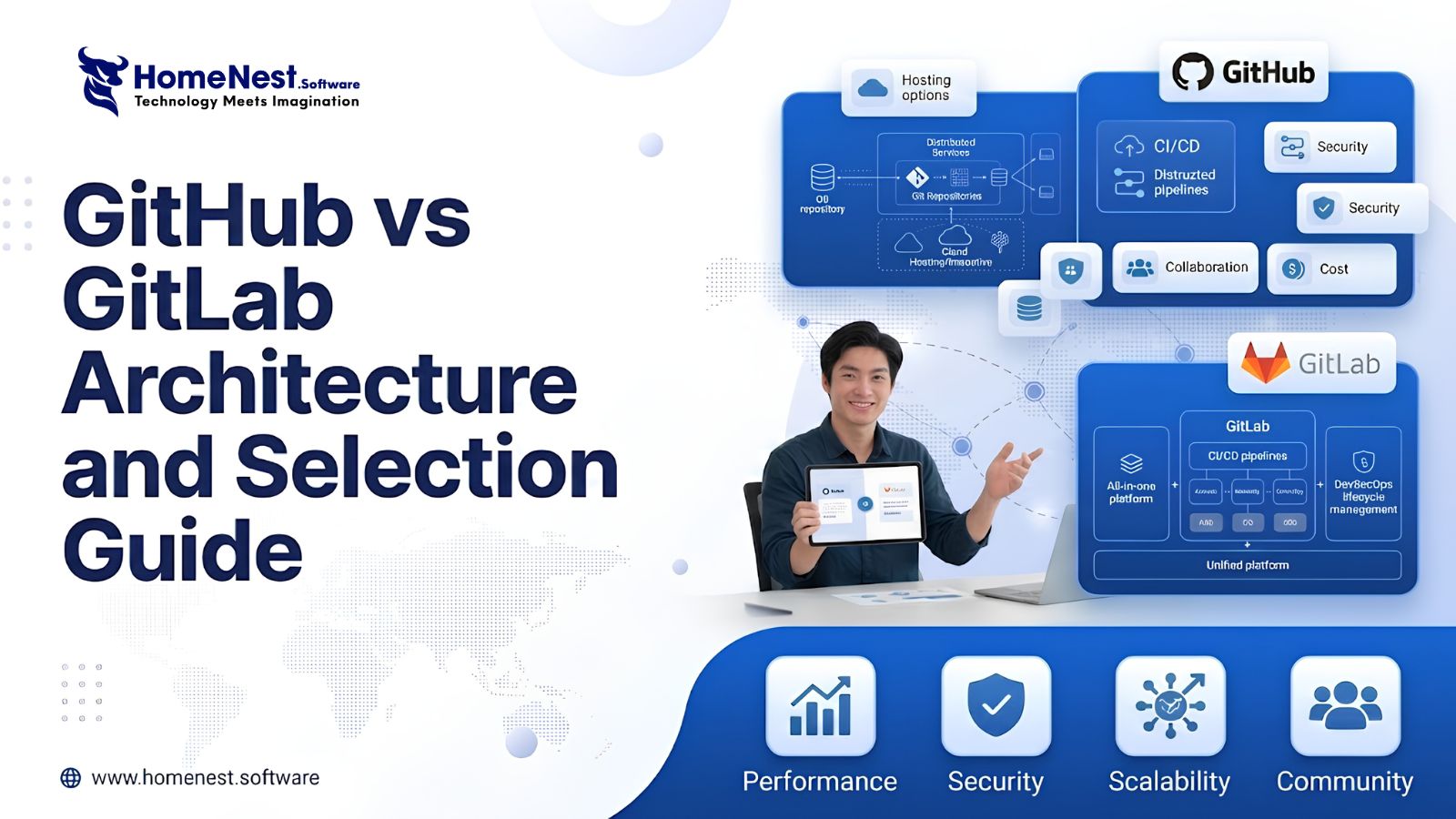
GitHub vs GitLab – Architecture and Selection Guide
Managing source code requires stable infrastructure. Automating software releases requires reliable pipelines. Tool sprawl creates operational complexity. Engineering teams face friction when using fragmented DevOps tools. Selecting between GitHub and GitLab shapes long term development efficiency.
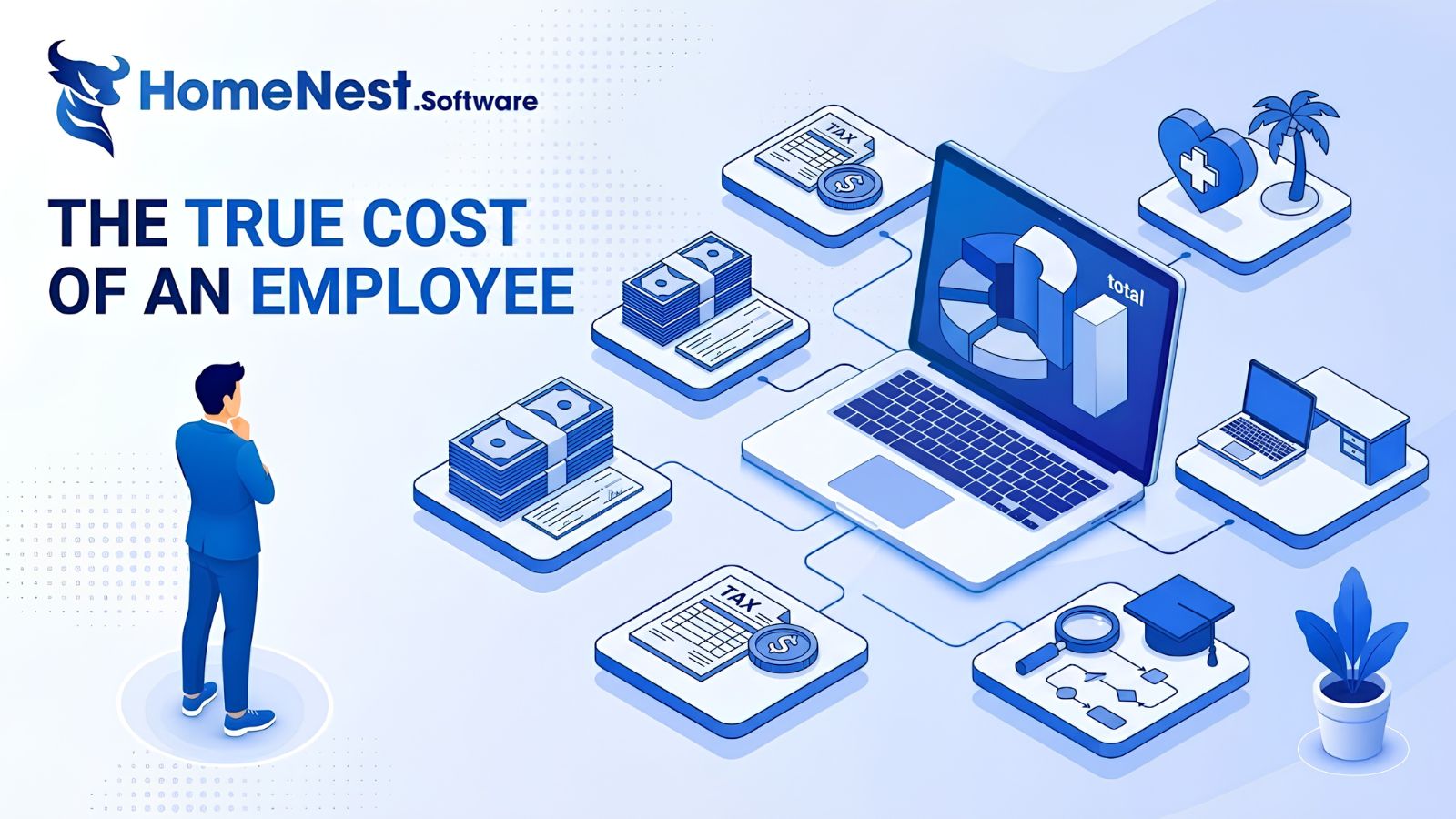
The True Cost of an Employee: A Complete Breakdown for Employers
This article reveals that the true cost of an employee is typically 25% to 40% higher than their base salary due to hidden expenses like taxes, benefits, workspace, and recruiting. To address this, the guide provides a detailed 7-step framework to accurately calculate total employer costs, alongside actionable strategies to optimize budgets and improve retention without reducing pay.
Essential Tips To Develop A Music Streaming App
Discover expert tips to develop a successful music streaming app with HomeNest Software. This guide covers essential features, legal licensing, and scalable technology stacks. Learn how to build a robust, cross-platform application with AI personalization to stand out in the 2026 competitive audio market.
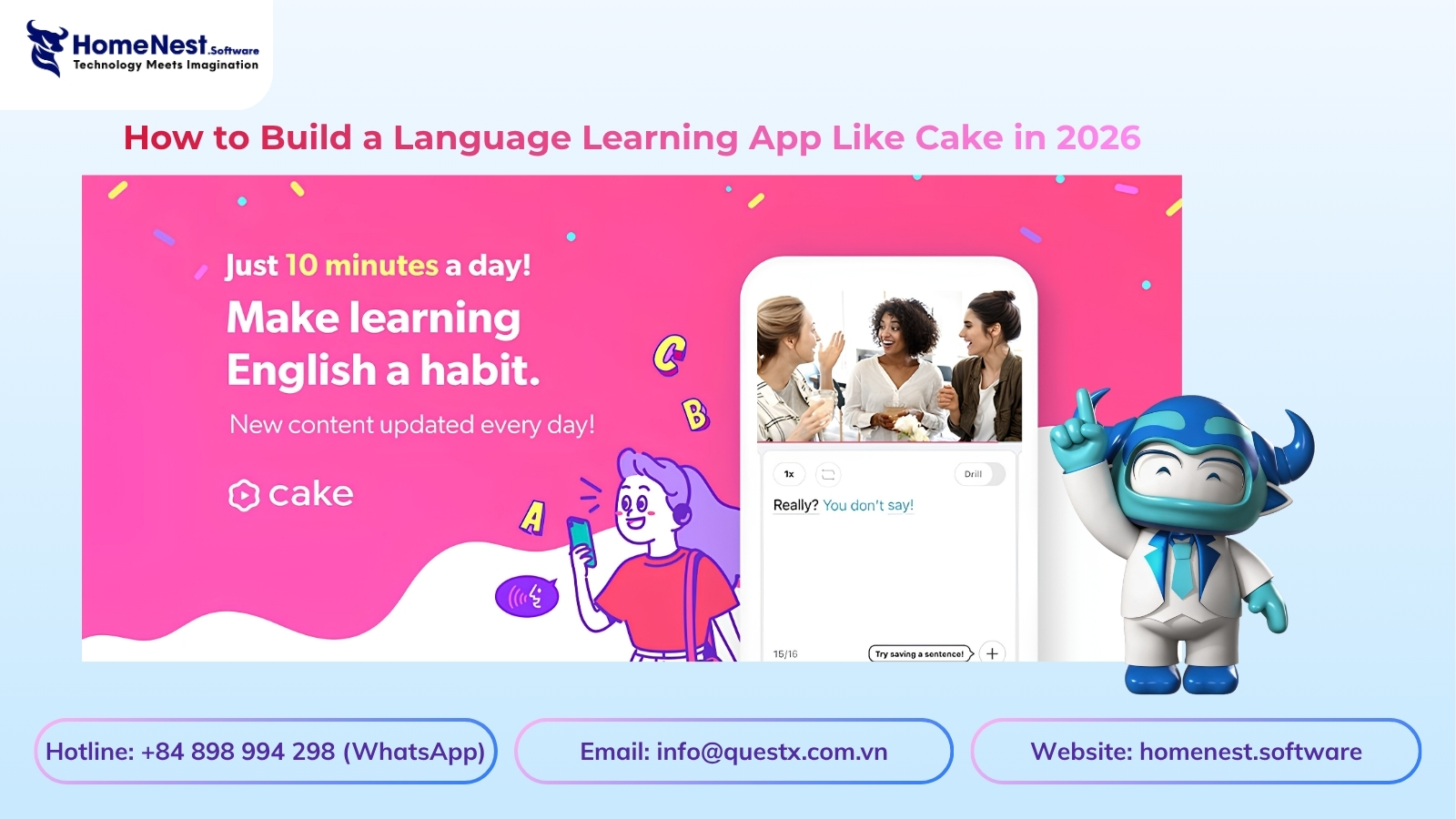
How to Build a Language Learning App Like Cake
Discover how to build a successful language learning app like Cake with this comprehensive guide from HomeNest Software. We explore market research, essential MVP features, advanced AI integrations, tech stack selection, and estimated development costs. Partner with HomeNest Software to create a scalable, gamified, and highly engaging educational platform tailored to your business goals. Start your app development journey with us today.
How to Build an App Like TaskRabbit: Features, Cost, Tech Stack – Business Model
Building an app like TaskRabbit is more than replicating existing features—it’s about creating a trusted marketplace that seamlessly connects customers with skilled service providers. By combining an intuitive user experience, secure payment systems, scalable architecture, and the right business model, you can launch a competitive on-demand platform. Partnering with an experienced app development company like HomeNest Software ensures your product is built with the technology, flexibility, and long-term scalability needed to succeed in the rapidly growing gig economy.
How to Build a Meal Planning App: A Complete Step-by-Step Guide
Building a successful meal planning app goes beyond creating an attractive interface it requires a clear business strategy, personalized user experiences, and scalable technology. By combining essential features like AI-powered meal recommendations, nutrition tracking, grocery list automation, and wearable integration, businesses can deliver lasting value to users while capitalizing on the growing digital health market. Partnering with an experienced mobile app development company ensures your solution is secure, future-ready, and designed to succeed in an increasingly competitive health-tech industry.