
Flutter vs Swift for iOS App Development: A Detailed Comparison
Scope of Work
Choosing between Flutter and Swift for iOS app development is a strategic decision that directly influences performance, user experience, development speed, and long-term scalability. While both technologies offer strong advantages, selecting the right one depends on how well it aligns with your project objectives and technical requirements.
Flutter, an open-source UI framework developed by Google, allows developers to create visually rich, natively compiled applications using a single shared codebase. In contrast, Swift—Apple’s modern and intuitive programming language is purpose-built for delivering fully native, high-performance iOS applications.
This article takes an in-depth look at the Flutter vs Swift comparison, examining their strengths, performance differences, development costs, and scalability. By the end, you’ll have a clearer understanding of which technology is best suited to meet your iOS app development goals.
What Is Flutter?

Flutter is an open-source UI software development kit created by Google. Introduced in 2017, it enables developers to build natively compiled applications for mobile, web, and desktop using a single, unified codebase. Flutter is widely appreciated for its expressive user interfaces, rapid development cycles, and consistent performance across platforms.
At its core, Flutter is powered by Dart a modern, easy-to-learn language optimized for high-performance application development. One of Flutter’s most notable features is Hot Reload, which allows developers to view changes instantly in real time without restarting the application, significantly boosting productivity and iteration speed.
Flutter also includes a rich library of pre-built widgets that follow both Material Design (for Android) and Cupertino (for iOS) standards. As a result, developers can create iOS-style interfaces that closely match native look and feel even without building the app directly in Swift making Flutter a flexible and powerful choice for cross-platform app development.
What Is Swift?
Swift is a powerful, open-source programming language developed by Apple for building applications across the entire Apple ecosystem, including iOS, macOS, watchOS, and tvOS. Introduced in 2014 as a modern replacement for Objective-C, Swift quickly became the preferred language for native iOS app development due to its performance, safety, and clean syntax.
Designed to be both expressive and efficient, Swift allows developers to write concise, readable, and maintainable code while minimizing common programming errors. It features strong type safety, automatic memory management, and seamless interoperability with Objective-C, making it suitable for both new projects and the ongoing maintenance of existing applications.
Unlike cross-platform frameworks such as Flutter, Swift is purpose-built exclusively for Apple platforms. This native-first approach enables deep integration with system APIs, direct access to device hardware, and consistently high performance—making Swift an ideal choice for applications that demand maximum optimization and a truly native user experience.
Flutter vs Swift: Detailed Comparison
Choosing between Flutter and Swift requires careful evaluation of several critical factors, including performance, development speed, UI/UX flexibility, ecosystem support, learning curve, and overall development cost. Below is a comprehensive, side-by-side comparison to help you determine which technology best fits your iOS app development goals.
1. Performance
Swift
As a native programming language developed by Apple, Swift delivers exceptional performance on iOS devices. It compiles directly to machine code, enabling smooth animations, fast load times, and efficient battery usage. Swift is the preferred choice for performance-intensive applications such as gaming, fintech platforms, real-time data processing, video editing, and AR/VR solutions. Developers also gain direct access to advanced native frameworks like Metal, CoreML, and ARKit.
Flutter
Flutter compiles to native ARM code and uses the Skia rendering engine, offering strong performance for most applications. Complex interfaces generally run smoothly, but because Flutter renders UI through its own engine rather than native iOS components, extremely graphics- or CPU-intensive scenarios may feel slightly less fluid. For business apps, social platforms, and eCommerce solutions, Flutter’s performance is more than sufficient.
2. Development Speed
Flutter
Flutter excels in rapid development. With a single Dart codebase, developers can build apps for iOS, Android, web, and desktop simultaneously. Features like Hot Reload allow real-time UI updates and faster debugging, significantly shortening development cycles. This makes Flutter ideal for MVPs, startups, and teams prioritizing speed-to-market.
Swift
Swift is optimized for iOS-only development. While the workflow is efficient for Apple platforms, building an Android version requires a separate codebase using Kotlin or Java. This increases development time and cost when cross-platform support is required, despite improvements introduced by SwiftUI.
3. UI/UX Design Capabilities
Swift
Swift offers full control over native UI elements and system-level interactions. Developers can precisely follow Apple’s Human Interface Guidelines and implement advanced features such as Face ID, Touch ID, haptic feedback, SiriKit, and system widgets. SwiftUI further simplifies the creation of responsive, dynamic interfaces with a truly native look and feel.
Flutter
Flutter’s widget-based architecture includes both Material Design and Cupertino (iOS-style) widgets, enabling highly customizable and visually consistent interfaces. While Flutter can closely mimic native iOS designs, certain platform-specific experiences may not feel as seamless as fully native implementations built with Swift.
4. Ecosystem, Tools & Community Support
Flutter
Backed by Google, Flutter has rapidly grown into a mature ecosystem with extensive open-source libraries, plugins, and integrations. It supports popular IDEs like Android Studio and VS Code and integrates well with services such as Firebase. Flutter is widely adopted by both startups and large enterprises, reinforcing its long-term viability.
Swift
Swift benefits from first-party support within Apple’s ecosystem. Tools like Xcode, Swift Playgrounds, and TestFlight streamline development, testing, and deployment. The community is robust and well-documented, though primarily focused on Apple platforms, limiting flexibility for cross-platform ambitions.
5. Learning Curve
Flutter
Flutter requires learning Dart, which may be new to many developers. While Dart is relatively easy to grasp, mastering Flutter’s architecture and performance optimization takes time. Comprehensive documentation and an active community help ease the learning process.
Swift
Swift is designed to be readable, modern, and developer-friendly. Developers familiar with Apple’s ecosystem often find Swift intuitive, and beginners can leverage Swift Playgrounds for an interactive learning experience.
6. Cost of Development
Flutter
By enabling a shared codebase across platforms, Flutter significantly reduces development and maintenance costs. A single team can manage both iOS and Android releases, making Flutter a cost-effective option for startups, agencies, and enterprises targeting multiple platforms.
Swift
Swift is cost-efficient for iOS-only applications. However, if Android support is required, maintaining separate teams and codebases can substantially increase development and long-term maintenance costs.
Flutter is an excellent choice for teams seeking faster development, lower costs, and cross-platform reach. Swift, on the other hand, is the optimal solution for iOS-first products that demand maximum performance, deep native integration, and the highest level of platform-specific user experience. The right choice ultimately depends on your business priorities, technical requirements, and long-term product strategy.
How to Choose Between Flutter and Swift?
Choosing between Flutter and Swift ultimately depends on your project goals, target audience, timeline, budget, and long-term product vision. Both technologies are powerful and reliable, but each excels in different development scenarios. Below are the key factors to consider when making the right decision.
1. Target Platform Strategy
Choose Swift if your application is built exclusively for iOS and you want full access to Apple’s native features, APIs, and ecosystem.
Choose Flutter if your goal is to launch on both iOS and Android simultaneously using a single codebase, helping you reduce development time and cost.
2. Performance Requirements
Swift is the best choice for apps that demand top-tier performance, ultra-smooth animations, and intensive processing—such as AR/VR applications, real-time gaming, fintech platforms, or hardware-heavy solutions.
Flutter delivers strong performance for most business use cases, but may be less optimal for highly resource-intensive native interactions.
3. UI/UX Expectations
With Swift, developers can fully adhere to Apple’s Human Interface Guidelines, ensuring a refined, platform-consistent iOS user experience.
Flutter offers extensive UI customization through its widget-based architecture, making it ideal for apps that require a distinctive brand identity or a consistent look across platforms.
4. Development Time and Cost
Flutter significantly reduces development and maintenance costs by supporting multiple platforms with a single codebase. This makes it particularly attractive for startups, MVPs, and fast-growing products.
Swift can be more costly if Android support is required, as it involves separate development teams and parallel workflows.
5. Access to Native Features
Swift provides deep, seamless integration with Apple’s ecosystem, making it ideal for apps that rely on Face ID, Apple Pay, ARKit, SiriKit, or advanced hardware-level features.
Flutter supports many native capabilities through plugins, but some low-level iOS-specific features may require additional native bridging.
6. Development Team Expertise
If your team is already experienced with Swift, Xcode, and the iOS SDK, choosing Swift will result in a smoother and more efficient development process.
If your team is skilled in Dart or cross-platform development, Flutter can accelerate delivery and simplify collaboration across projects.
7. Long-Term Scalability
Swift, backed by Apple, evolves alongside iOS updates and remains the most future-proof option for apps tightly integrated with Apple’s ecosystem.
Flutter, supported by Google, continues to grow rapidly. Its cross-platform nature and strong community make it a scalable choice for products with multi-platform ambitions.
Final Thoughts
There is no universal answer in the Flutter vs Swift debate. Swift is the ideal solution for businesses focused on high-performance, fully native iOS applications that leverage Apple’s ecosystem to the fullest. Flutter, on the other hand, excels when speed, flexibility, and cross-platform reach are top priorities—making it a smart choice for startups, MVPs, and scalable digital products.
Ultimately, the right decision should be guided by your project scope, technical requirements, budget, and long-term strategy. Partnering with an experienced mobile app development company can help you navigate these considerations and choose the technology that best supports your product’s success.
HomeNest Software – Empowering Long-Term Growth for Modern Businesses.
Contact Information:
- Address: The Sun Avenue, 28 Mai Chi Tho Street, Binh Trung Ward, Ho Chi Minh City
- Hotline: +84 898 994 298 ( WhatsApp )
- Website: homenest.software
HomeNest Services: Website Design – App Design – Software Development.
Frequently Asked Questions (FAQs)
1. Which is better for iOS development: Flutter or Swift?
If your app targets iOS only and requires maximum performance and deep native integration, Swift is the better choice. If you want to support both iOS and Android with a single codebase while saving time and cost, Flutter is more suitable.
2. Can Flutter apps feel truly native on iOS?
Yes, Flutter apps can feel very close to native on iOS thanks to Cupertino widgets and native compilation. However, for highly iOS-specific interactions and system-level features, apps built with Swift still offer the most authentic native experience.
3. Is Swift faster than Flutter in performance?
In performance-critical scenarios—such as AR/VR, gaming, or real-time processing—Swift generally outperforms Flutter because it runs directly on native APIs and hardware. For most business and consumer apps, Flutter’s performance is more than sufficient.
4. Is Flutter a good choice for long-term iOS projects?
Yes. Flutter is backed by Google and has a rapidly growing ecosystem and community. It is well-suited for long-term projects, especially those with cross-platform expansion plans.
5. Which option is more cost-effective: Flutter or Swift?
Flutter is more cost-effective when you need both iOS and Android apps, as it uses a single codebase and one development team. Swift is cost-efficient for iOS-only apps but becomes more expensive if Android support is added later.
6. Can I start with Flutter and switch to Swift later?
Yes, but it requires a partial or full rewrite of the iOS app in Swift. Many startups use Flutter for MVP validation and later migrate to Swift for deeper native optimization once the product scales.
7. Is Flutter suitable for enterprise-level applications?
Absolutely. Flutter is used by many enterprise organizations for building scalable, maintainable applications. However, enterprises heavily reliant on Apple-specific technologies may still prefer Swift for tighter ecosystem integration.
8. Which is easier to learn: Flutter or Swift?
Swift is generally easier for developers already familiar with the Apple ecosystem. Flutter requires learning Dart, but its documentation, tooling, and widget-based architecture make onboarding relatively fast for most developers.
Latest Articles
View All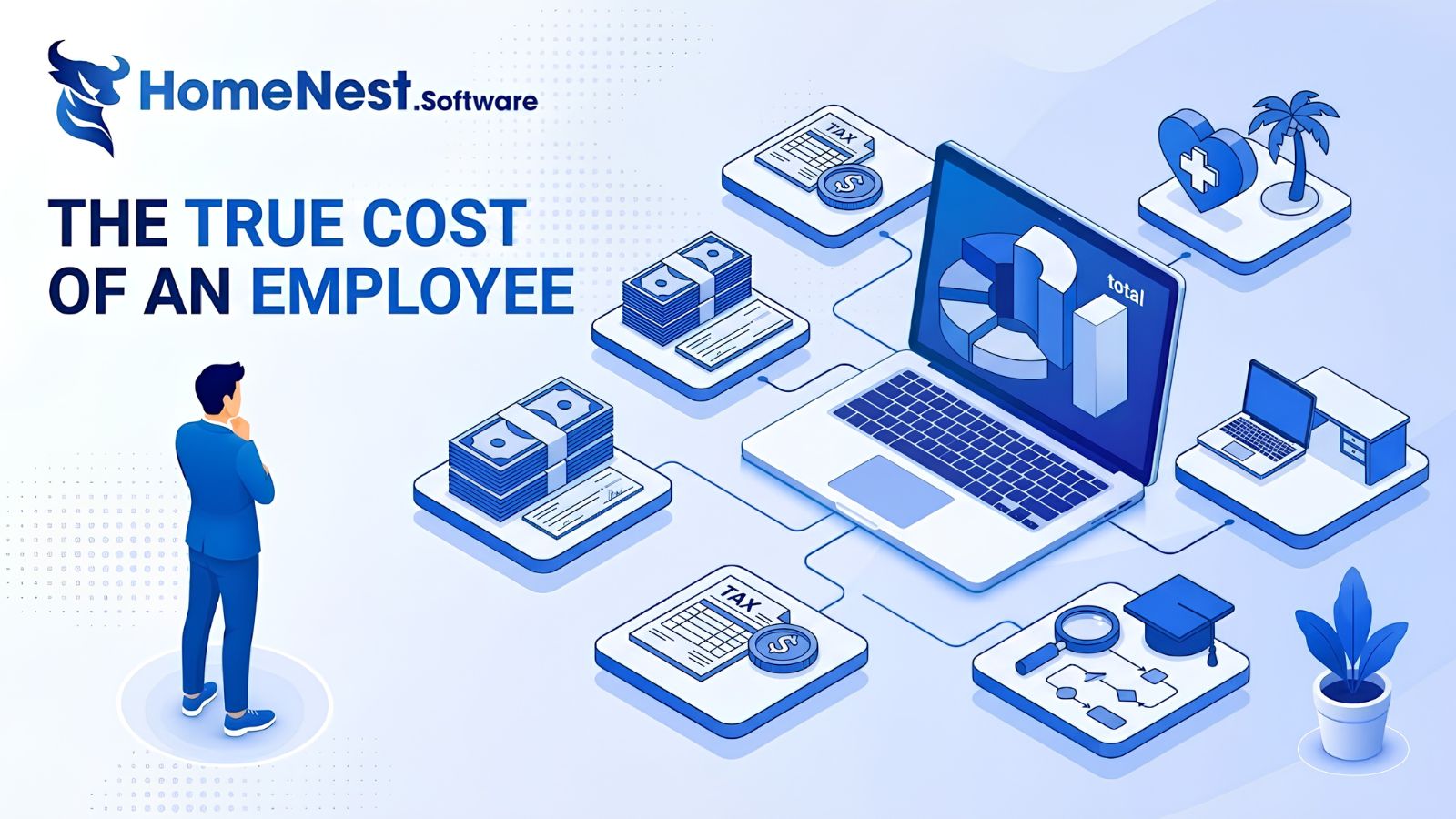
The True Cost of an Employee: A Complete Breakdown for Employers
This article reveals that the true cost of an employee is typically 25% to 40% higher than their base salary due to hidden expenses like taxes, benefits, workspace, and recruiting. To address this, the guide provides a detailed 7-step framework to accurately calculate total employer costs, alongside actionable strategies to optimize budgets and improve retention without reducing pay.
Essential Tips To Develop A Music Streaming App
Discover expert tips to develop a successful music streaming app with HomeNest Software. This guide covers essential features, legal licensing, and scalable technology stacks. Learn how to build a robust, cross-platform application with AI personalization to stand out in the 2026 competitive audio market.
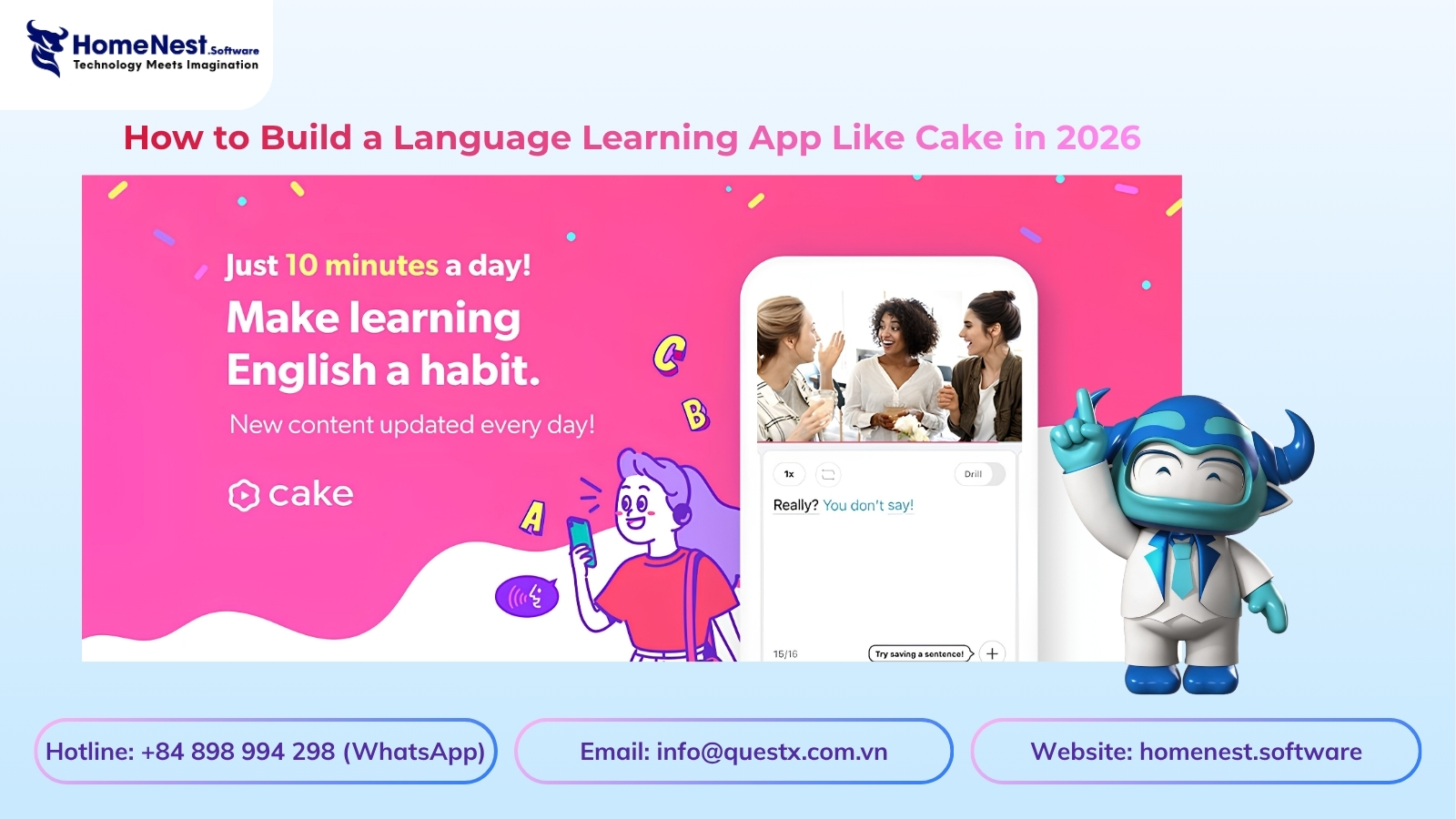
How to Build a Language Learning App Like Cake
Discover how to build a successful language learning app like Cake with this comprehensive guide from HomeNest Software. We explore market research, essential MVP features, advanced AI integrations, tech stack selection, and estimated development costs. Partner with HomeNest Software to create a scalable, gamified, and highly engaging educational platform tailored to your business goals. Start your app development journey with us today.
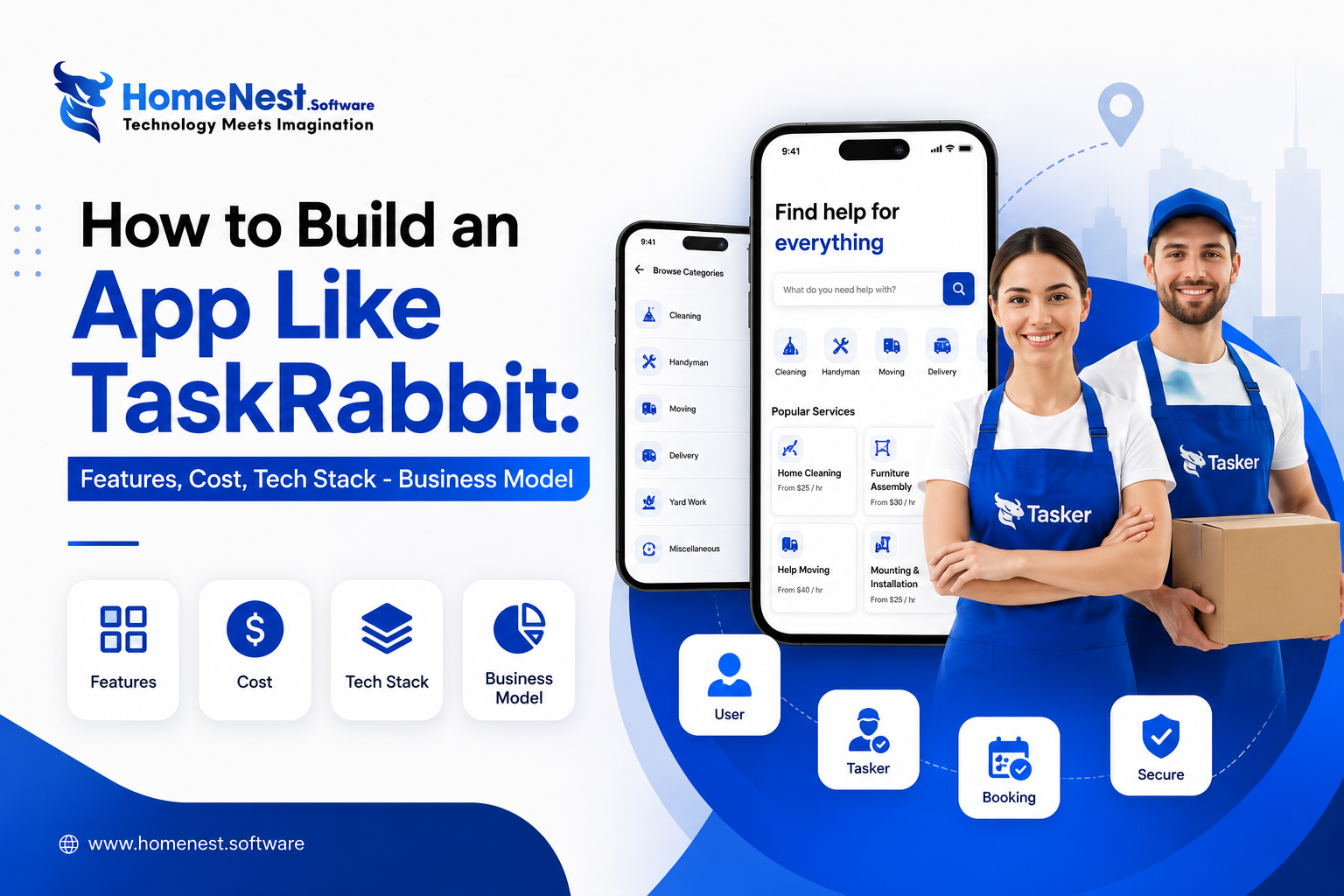
How to Build an App Like TaskRabbit: Features, Cost, Tech Stack – Business Model
Building an app like TaskRabbit is more than replicating existing features—it’s about creating a trusted marketplace that seamlessly connects customers with skilled service providers. By combining an intuitive user experience, secure payment systems, scalable architecture, and the right business model, you can launch a competitive on-demand platform. Partnering with an experienced app development company like HomeNest Software ensures your product is built with the technology, flexibility, and long-term scalability needed to succeed in the rapidly growing gig economy.
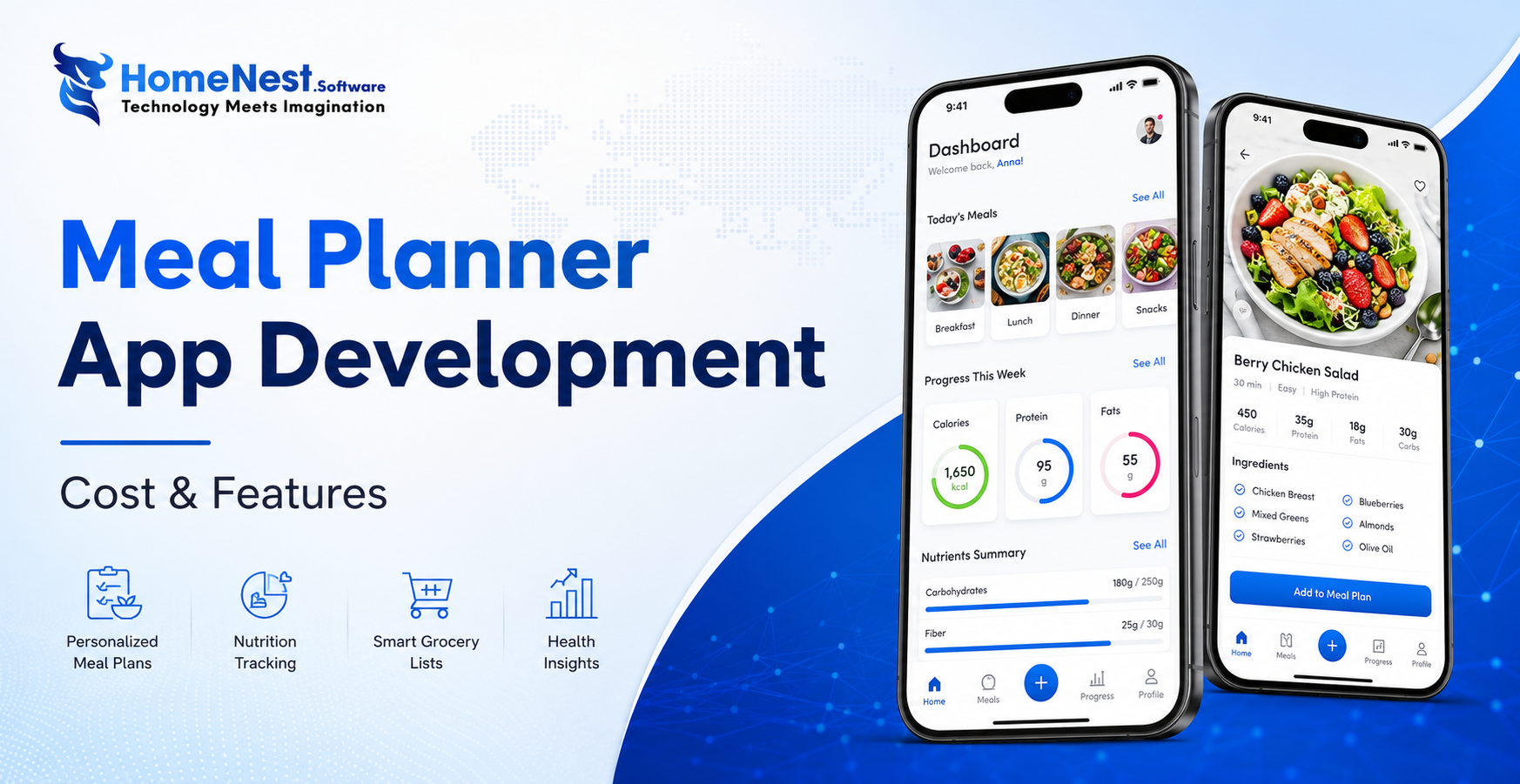
How to Build a Meal Planning App: A Complete Step-by-Step Guide
Building a successful meal planning app goes beyond creating an attractive interface it requires a clear business strategy, personalized user experiences, and scalable technology. By combining essential features like AI-powered meal recommendations, nutrition tracking, grocery list automation, and wearable integration, businesses can deliver lasting value to users while capitalizing on the growing digital health market. Partnering with an experienced mobile app development company ensures your solution is secure, future-ready, and designed to succeed in an increasingly competitive health-tech industry.

How Much Does It Cost to Build a Shopping App Like Temu?
Temu’s meteoric rise to over 900 million global downloads proves the power of combining AI, gamification, and social commerce, but building a similar viral shopping platform requires careful financial and technical planning. Developing an app like Temu typically costs anywhere from $40,000 for a basic Minimum Viable Product (MVP) to over $300,000 for a fully-featured platform. This guide breaks down every cost category, analyzes the core features driving Temu’s success, highlights the best technology stacks, and offers practical strategies to optimize your development budget without compromising on quality.