
Low-code and No-code – What They Are and Why Enterprises Need Them
Scope of Work
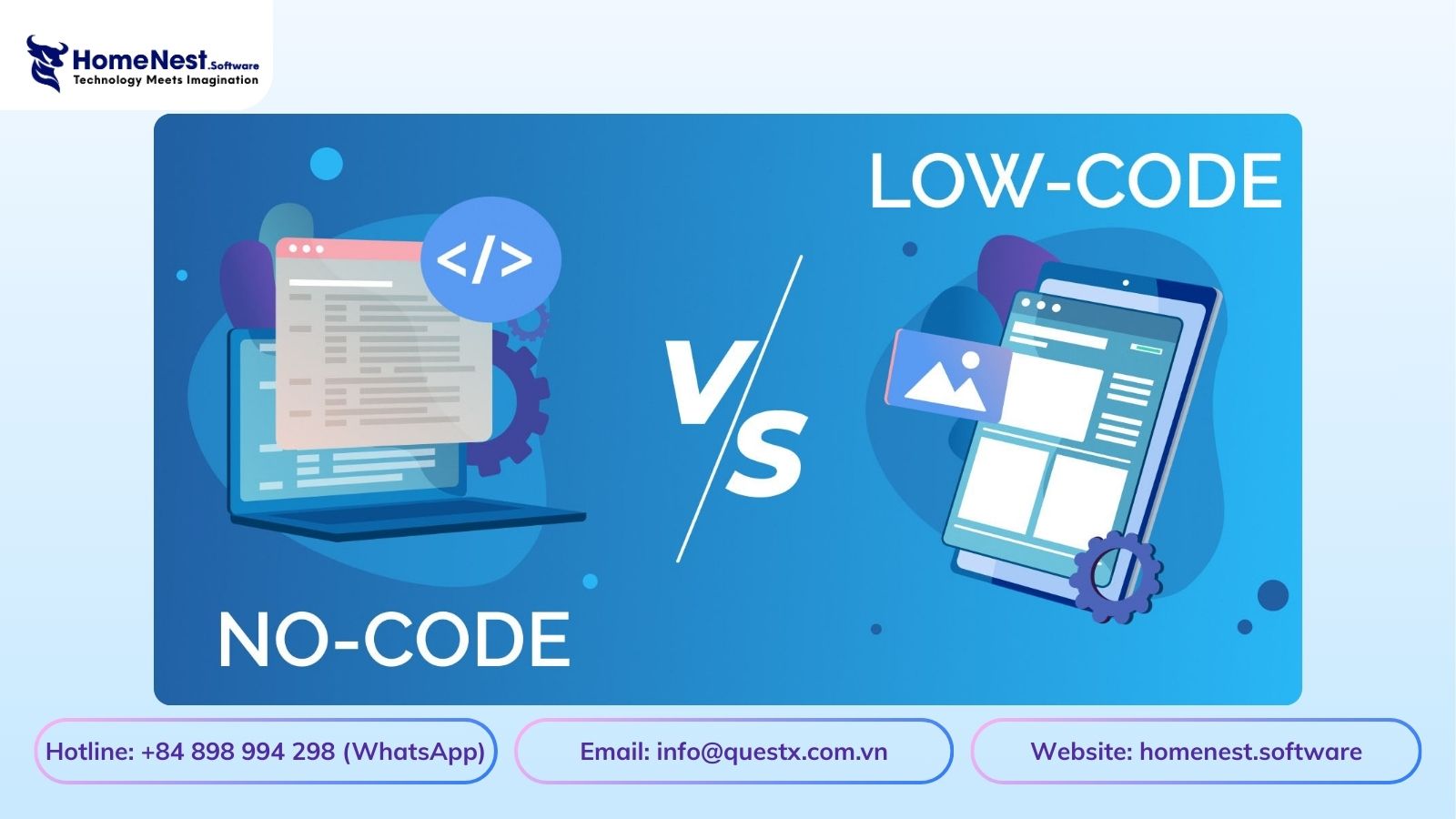
In the increasingly rapid context of digital transformation, businesses require solutions for fast and cost-effective application development. Low-code/No-code emerges as a prominent trend, enabling the creation of applications through a drag-and-drop interface without the need for traditional programming, thereby helping to shorten development time and enhance operational agility.
The article below will provide a detailed understanding of Low-code/No-code, including its benefits, challenges, notable tools, and future development trends.
Low-code and No-code: What are they?
What is Low-code?
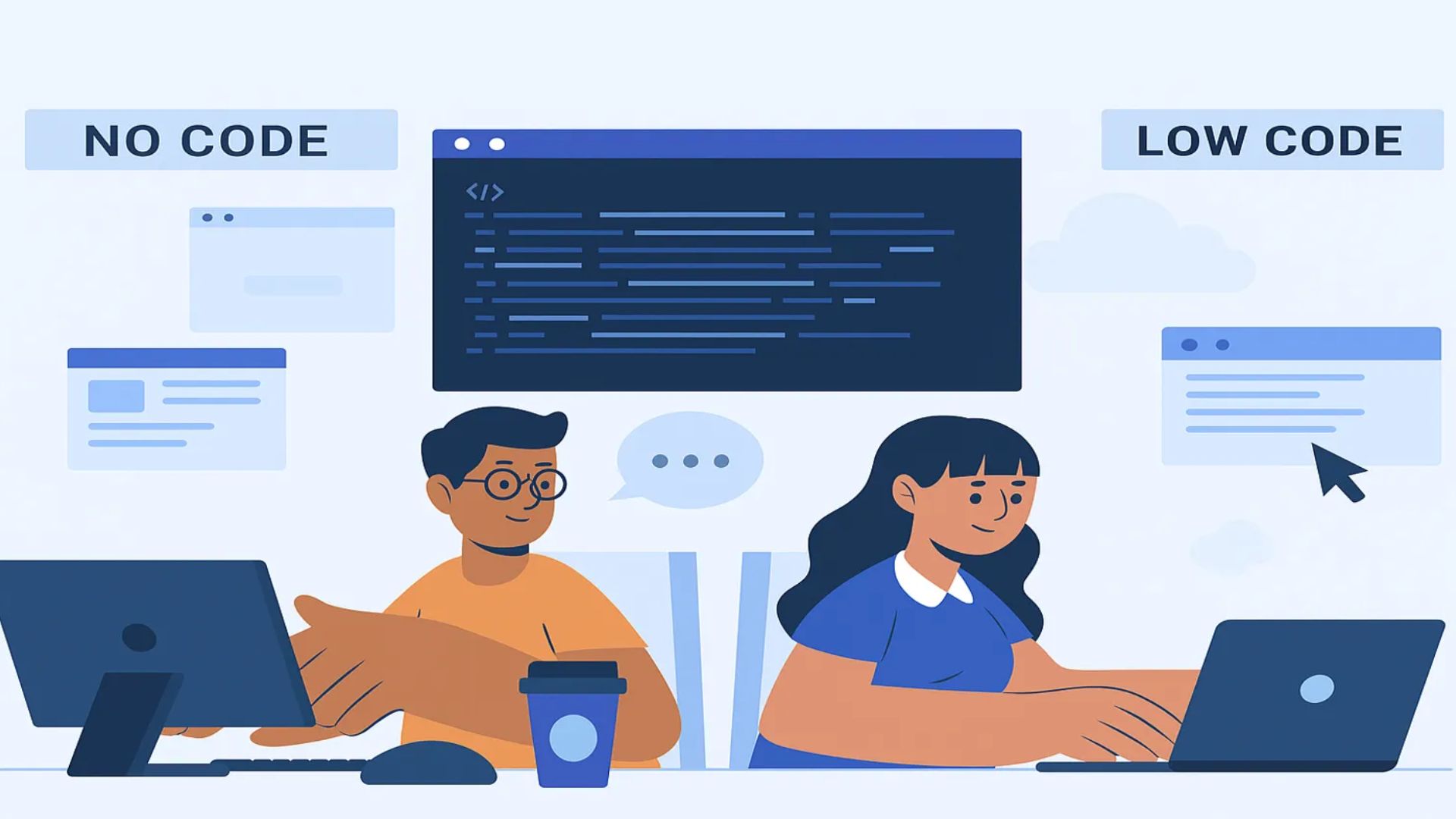
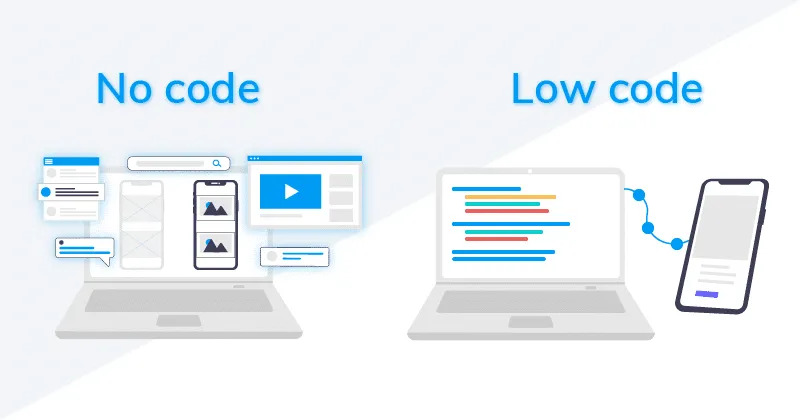
Low-code is an application development platform that helps professional developers and Citizen Developers build software faster by minimizing manual code writing. These platforms provide pre-built components, drag-and-drop interfaces, and integrated support tools, which help shorten the application development time.

Low-code still requires some programming knowledge to customize advanced features, connect with other systems, or handle complex logic. It is suitable for medium to large projects that require flexibility but still aim to accelerate the development process.
What is No-code?
No-code is a platform that allows users with absolutely no programming background to create applications through a visual interface. Instead of writing code, users simply need to drag-and-drop components, configure behavior, and set up data to complete the application.
No-code is more limited in terms of customization capabilities, but in return, it is swift, easy to use, and significantly reduces development costs. This is an ideal choice for simple applications, testing ideas, or creating a prototype before developing the complete version.
Key Differences Summary
| Platform | Key Requirement | Suitability | Speed |
| Low-code | Requires programming knowledge | Complex projects | Faster than traditional coding |
| No-code | Requires no programming | Simple applications, rapid deployment | Easy to use |
Outstanding Benefits of Low-code and No-code for Enterprises
1. Save Time and Accelerate Development Speed
One of the prominent advantages of Low-code/No-code platforms is that they help shorten application development time. Instead of spending months writing code from scratch, businesses can deploy products in just a few weeks or even days.
This allows departments to react quickly to market demands, test new ideas, and improve internal processes without disrupting business operations.
2. Minimize Development Costs
Utilizing Low-code/No-code significantly helps businesses reduce software development costs. As a large team of professional developers is not required, hiring IT specialists becomes more optimized.
Furthermore, application maintenance costs are also lower due to easy updates and management capabilities. This is an ideal solution for businesses looking to optimize their budget while still ensuring software quality.
3. Democratize Technology – Citizen Development
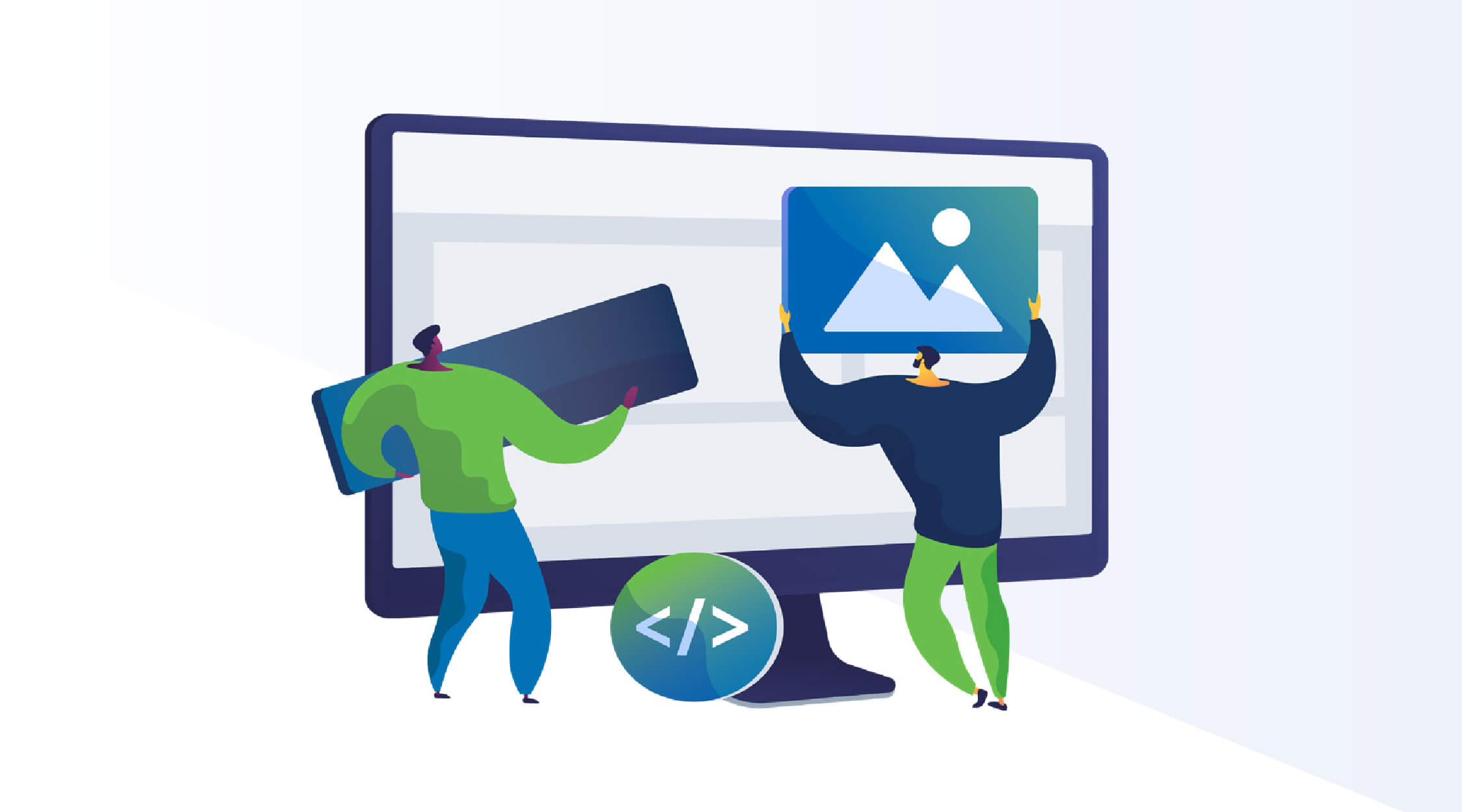
Another key strength of Low-code/No-code is empowering business users in departments like marketing, sales, or HR to create applications for internal work themselves. This not only reduces the workload on the central IT team but also encourages innovation and process improvement right where the need arises.
As a result, businesses can increase efficiency and become more flexible in their operations.
4. Increase Flexibility and Scalability
Applications built on Low-code/No-code platforms are easy to modify and update according to business requirements without rewriting the entire system.
At the same time, these platforms often support integration with existing systems, making it easy for businesses to scale up and maintain flexibility in the long term.
Challenges When Implementing Low-code and No-code
- Limitations on Customization Capabilities: No-code struggles to meet complex business requirements; Low-code is more flexible but still has limitations if deep integration is needed.
- Security and Compliance Issues: The level of security depends on the platform. It is necessary to control applications created by Citizen Developers to avoid the risk of Shadow IT, especially with sensitive data.
- Vendor Lock-in: It can be difficult to migrate applications to another platform or rewrite the code, so businesses need to consider long-term flexibility.
- Application Management and Complexity: Having multiple departments create applications can lead to overlap. A clear governance strategy is needed to ensure stability and efficiency.
Top 5 Notable Low-code and No-code Tools Today
1. Microsoft Power Platform (Power Apps, Power Automate) – Low-code
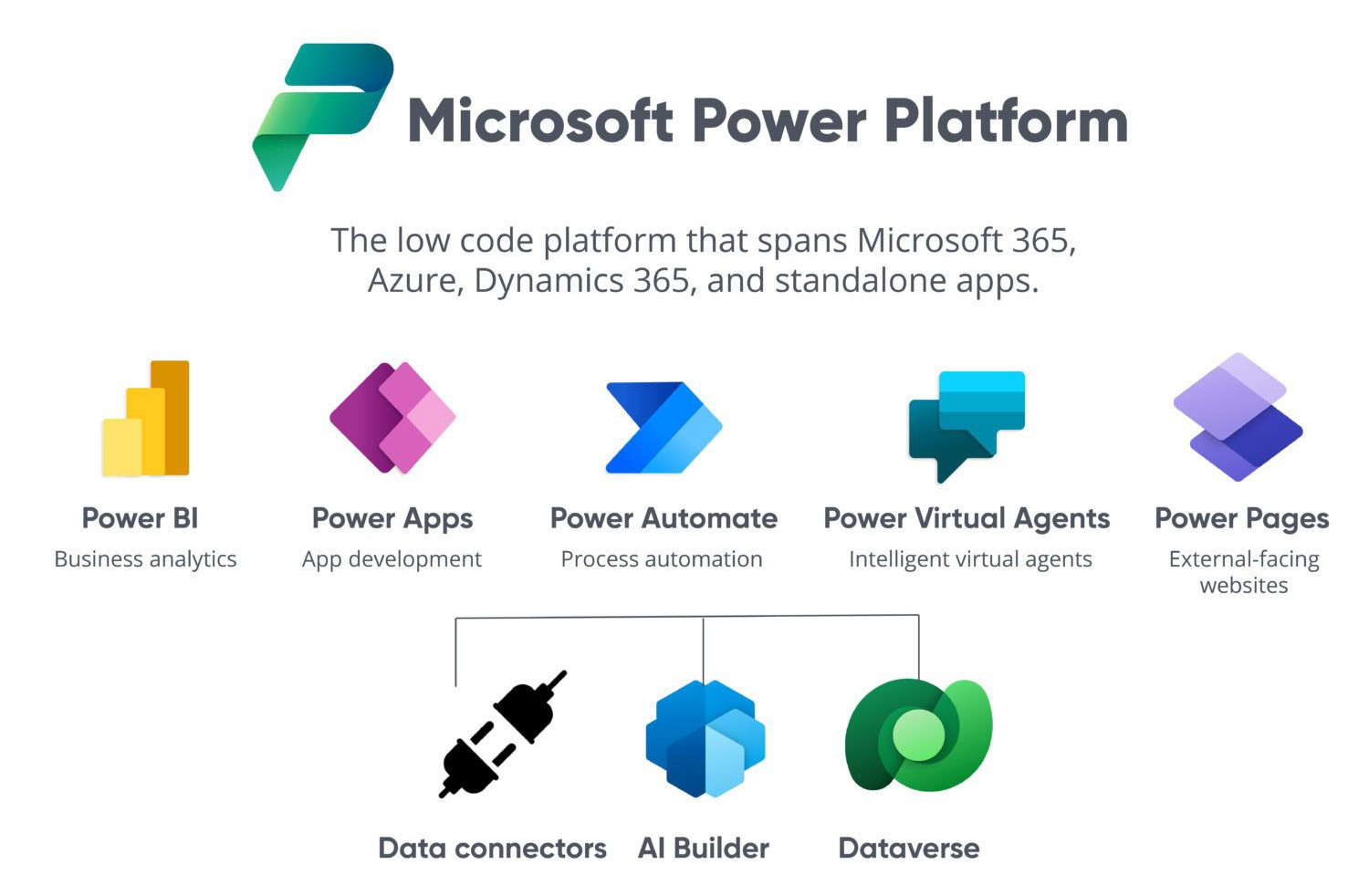
Microsoft Power Platform is prominent for its deep integration capabilities with the Microsoft 365 ecosystem and Azure. Power Apps helps create enterprise applications quickly, while Power Automate supports the automation of workflows, saving time and increasing operational efficiency. This is a popular choice for businesses that already use Microsoft as their primary platform.
2. Mendix / OutSystems – Low-code
These are Enterprise-grade Low-code platforms that support the development of complex, highly scalable applications. With robust system integration capabilities, Mendix and OutSystems are suitable for large enterprises looking to develop custom applications that meet specific business requirements.
3. AppGyver (SAP) – No-code
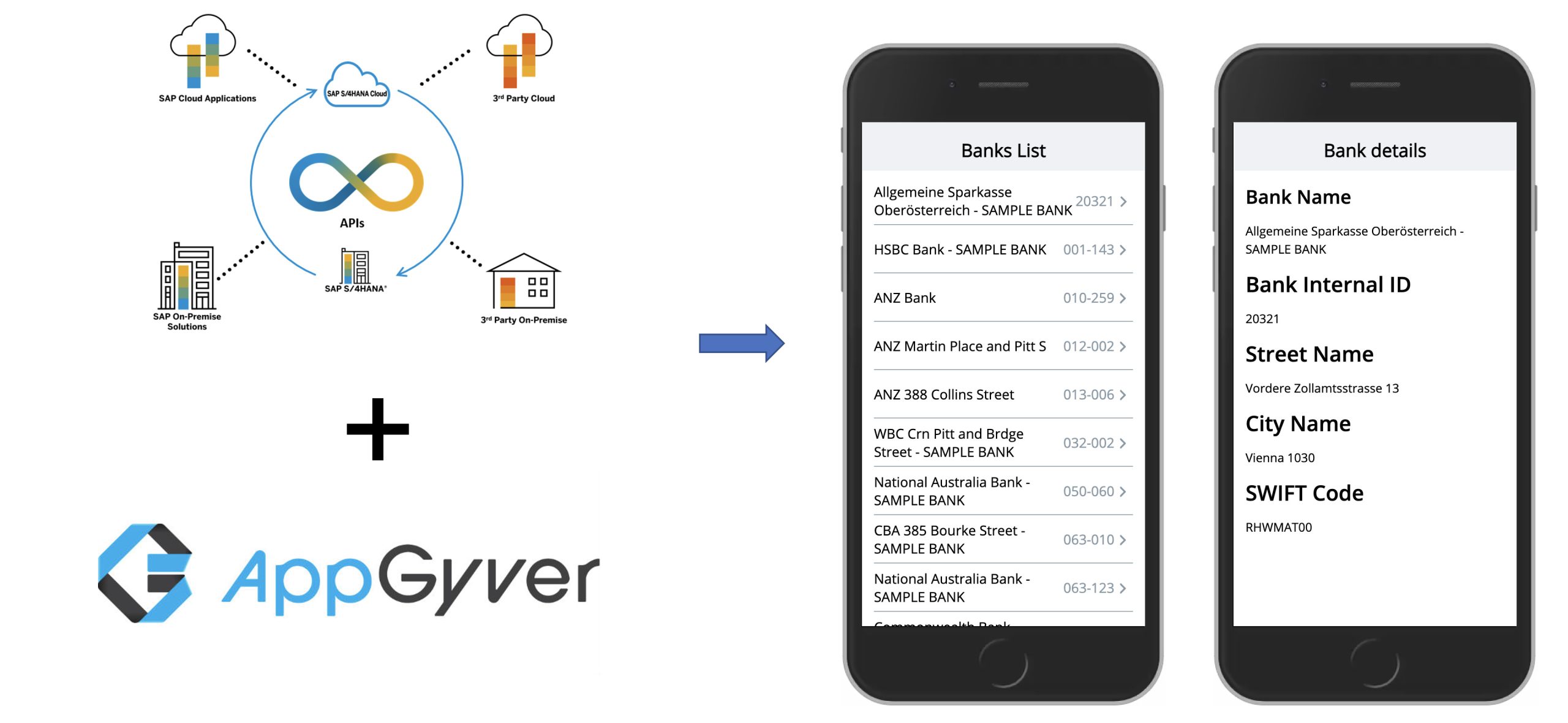
AppGyver targets simple mobile and web applications, making them easily accessible to non-programming users. This is a No-code platform that helps create prototypes or internal applications quickly, saving development costs and time.
4. Bubble / Adalo – No-code
These platforms are suitable for building web and mobile applications with a visually, aesthetically pleasing user interface (UI). Bubble excels at creating complex web applications, while Adalo focuses on mobile applications, helping businesses or startups deploy products quickly without the need for traditional programming.
5. Zapier / IFTTT – No-code & Automation
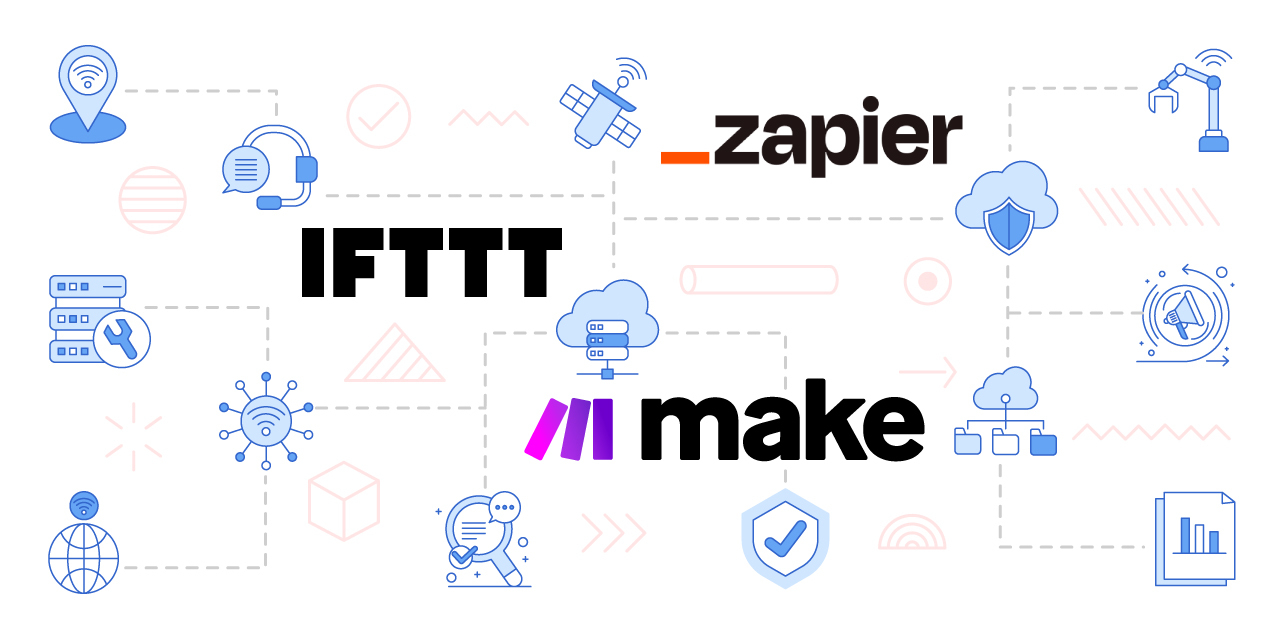
Zapier and IFTTT are workflow automation platforms that connect various applications. They help connect, synchronize data, and automate tasks without writing code, optimizing operational efficiency and reducing errors. These are ideal tools for businesses looking to increase work efficiency by integrating internal and external applications.
If your business wants to accelerate application development and optimize internal processes, contact HomeNest Software today. We support the implementation of smart, flexible Low-code/No-code solutions that align with your business’s digital transformation strategy.
HomeNest Software – A Foundation for Sustainable Growth for Vietnamese Businesses.

Contact Information:
- Address: The Sun Avenue, 28 Mai Chi Tho Street, Binh Trung Ward, Ho Chi Minh City
- Hotline: +84 898 994 298 ( WhatsApp )
- Website: homenest.software
HomeNest Services: Website Design – App Design – Software Development – Digital Marketing.
Frequently Asked Questions (FAQ)
1. How do Low-code and No-code differ?
-
Low-code: Requires some programming knowledge, suitable for complex projects requiring high customization.
-
No-code: Requires no programming, is easy to use, suitable for simple applications, prototypes, or idea testing.
2. Who can use Low-code/No-code platforms?
-
Low-code: Professional developers and Citizen Developers (business users with basic programming knowledge).
-
No-code: Users with no programming experience; they only need to use drag-and-drop actions and configure data.
3. Is Low-code/No-code suitable for large enterprises?
Yes, especially Low-code, due to its scalability and system integration capabilities. No-code is usually suitable for small applications or rapid prototyping.
4. Is using Low-code/No-code secure?
Security depends on the platform. Businesses need to control applications created by Citizen Developers to mitigate the risk of Shadow IT.
5. Does Low-code/No-code help reduce development time and cost?
Yes. These platforms help shorten development time, reduce the need to hire large programming teams, and save on maintenance costs.
Low-code and No-code – What They Are and Why Enterprises Need Them
Latest Articles
View All
Criteria For Choosing The Right App Design Agency
UI/UX design is the logical foundation of a system, not merely a visual element. Choosing the wrong partner will directly lead to technical debt, budget overruns, and disruptions in the development process. This article provides a 6-step evaluation framework and a list of operational risks, helping businesses eliminate subjective design advice and accurately assess agency capabilities based on developer handoff standards and practical business performance.

How Does AI in Banking Industry Impact the Future?
Artificial intelligence (AI) has transitioned from a supplementary tool to a core infrastructure of financial data management, optimizing profitability through real-time fraud detection, natural language processing (NLP), and high-speed credit scoring models. “Deploying AI in the financial sector requires more than just algorithmic accuracy, it demands a highly secure cloud architecture and rigorous data governance,” commented Nguyen Tien, co-founder of HomeNest Software. Why read this guide? We skip the theoretical jargon to focus entirely on technical implementation. Whether you’re evaluating a vendor or planning a system overhaul, this article will detail: Operational Efficiency: Automating unstructured data workflows at scale. Risk Architecture: Implementing real-time threat detection and AML compliance. Data ownership: The essential need for 100% ownership of the source code to ensure full algorithm auditability.

How to Make a Banking App like Bank of America?
Developing a mobile banking application like Bank of America extends far beyond basic UI design; it requires engineering a fault-tolerant backend capable of real-time ledger synchronization, biometric authentication, and high-volume data processing under strict regulatory frameworks. Drawing from HomeNest Software’s deep experience in architecting enterprise-grade fintech solutions, this guide strips away theoretical jargon to focus entirely on operational and technical execution. What you will find in this guide: We break down the precise development roadmap, from mapping out microservices and ensuring PCI-DSS compliance to estimating MVP development costs and securing absolute data sovereignty through 100% source code ownership. If you are preparing to build, scale, or audit a financial platform, this blueprint provides the exact framework you need.
Banking App Development Cost
Building a banking application is rarely a simple process; it’s a complex technical challenge requiring a balance between complying with stringent financial regulations, handling large transaction volumes, and a scalable cloud architecture. Miscalculating these technical requirements from the outset often leads to significant technical debt and budget overruns. Based on HomeNest Software’s practical experience in designing enterprise-grade fintech solutions, this guide bypasses generic estimates to provide a realistic analysis of banking application development costs. What you’ll find in this guide: We analyze the true cost factors, from technology selection and API integration to the hidden costs of regulatory compliance and security infrastructure. Whether you’re launching a minimum viable product or expanding an existing financial platform, this analysis provides the precise operational data you need to plan your budget effectively.
How to Build a Mobile Banking App Like Chime?
Building a mobile banking app like Chime is not just about features, it is about delivering a secure, scalable, and user-centric financial experience. From planning the right architecture to optimizing mobile banking app development cost, every decision directly impacts your product’s success. Leveraging Fintech app development services, starting with MVP app development, and scaling through on-demand app development solutions allows businesses to reduce risk and accelerate time to market. To stay competitive, combining Android app development services and iOS app development solutions ensures wider reach, while continuous updates through maintenance software development services keep your app secure and future-ready.

How to Build a Banking App Like Barclays: A Complete Entrepreneur’s Guide
Building a banking app like Barclays requires more than just development. It demands a strong product vision, secure architecture, and a clear monetization strategy. From optimizing cost and selecting the right tech stack to ensuring compliance and scalability, every decision impacts long-term success. Partnering with an experienced team like HomeNest Software helps accelerate development, reduce risks, and deliver a high-quality fintech product that can compete in today’s fast-evolving digital banking landscape.