
Top 10 Low-Code Platforms For Building Applications
Scope of Work

Can you imagine developing a fully functional application or web solution in just a few days, with minimal coding? Welcome to the world of low-code! These tools help businesses bring their ideas to life quickly and efficiently, especially as the demand for digital transformation continues to rise.
This article will delve into the major low-code trends, factors to consider when choosing a platform, and introduce the current top 10 low-code platforms.
The Future is Low-Code: Key Trends
Before exploring the top low-code platforms, it’s important to understand the trends shaping the industry and their impact on modern businesses:
1. Digital Transformation
-
Low-code/no-code platforms enable businesses to develop applications quickly, increasing adaptability to constant market changes.
-
Drag-and-drop interfaces, pre-built templates, and customizable workflows help modernize legacy systems without a full-scale overhaul, saving time and costs.
2. AI Integration
-
AI automates processes, improves decision-making, and delivers personalized user experiences.
-
Some platforms incorporate advanced frameworks like React Native Hermes, optimizing mobile app performance and reducing coding complexity.
3. Enhanced Collaboration
-
Low-code allows multiple users to work simultaneously on a single project, fostering seamless collaboration regardless of location.
-
This accelerates development timelines and speeds up time-to-market, especially valuable for remote working environments.
4. The Rise of Citizen Developers
-
Non-technical users can now create powerful applications, expanding creative capabilities across the organization.
-
Professional developers are freed to focus on complex projects, increasing overall team efficiency.
5. Expanding Ecosystems and Markets
-
Low-code platforms are building rich ecosystems with pre-built templates, components, and integrations, speeding up app development.
-
This growth also fosters vibrant user communities, enabling knowledge sharing and resource optimization for businesses.
6. Security and Compliance
-
Platforms integrate comprehensive security features such as data encryption and access controls, ensuring application safety.
-
Many platforms comply with industry standards like GDPR and HIPAA, giving businesses confidence in data security requirements.
Core Factors When Choosing a Low-Code Platform
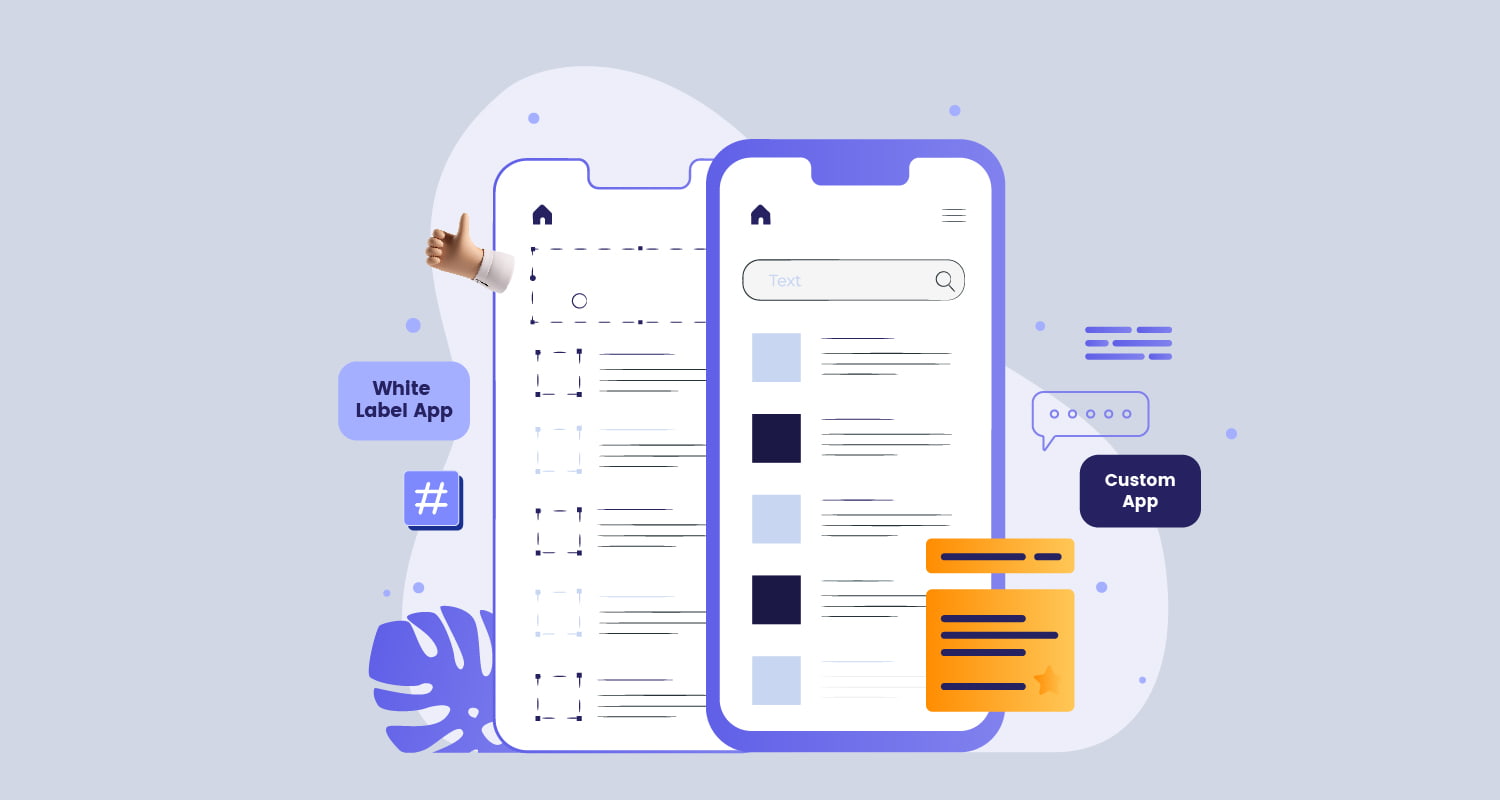
Selecting the right low-code platform is crucial to the success of your project. Consider the following elements:
-
Ease of Use: The primary reason to use low-code is simplified development. Look for intuitive drag-and-drop interfaces, pre-built templates, and user-friendly design tools.
-
Customization and Flexibility: A strong platform should offer extensive customization options, including support for custom code, unique workflows, and integration with third-party services.
- Scalability: Your application must grow with your business. Choose a platform that delivers strong performance, supports large user bases and complex applications, and prevents future system overhauls.
-
Integration Capabilities: The platform should integrate seamlessly with your existing IT infrastructure through APIs, connectors, and built-in integration tools.
Top 10 Low-Code Platforms in 07/2026
Below are the top 10 low-code application development platforms of 2024, selected based on features, compatibility, and pricing:
1. Mendix
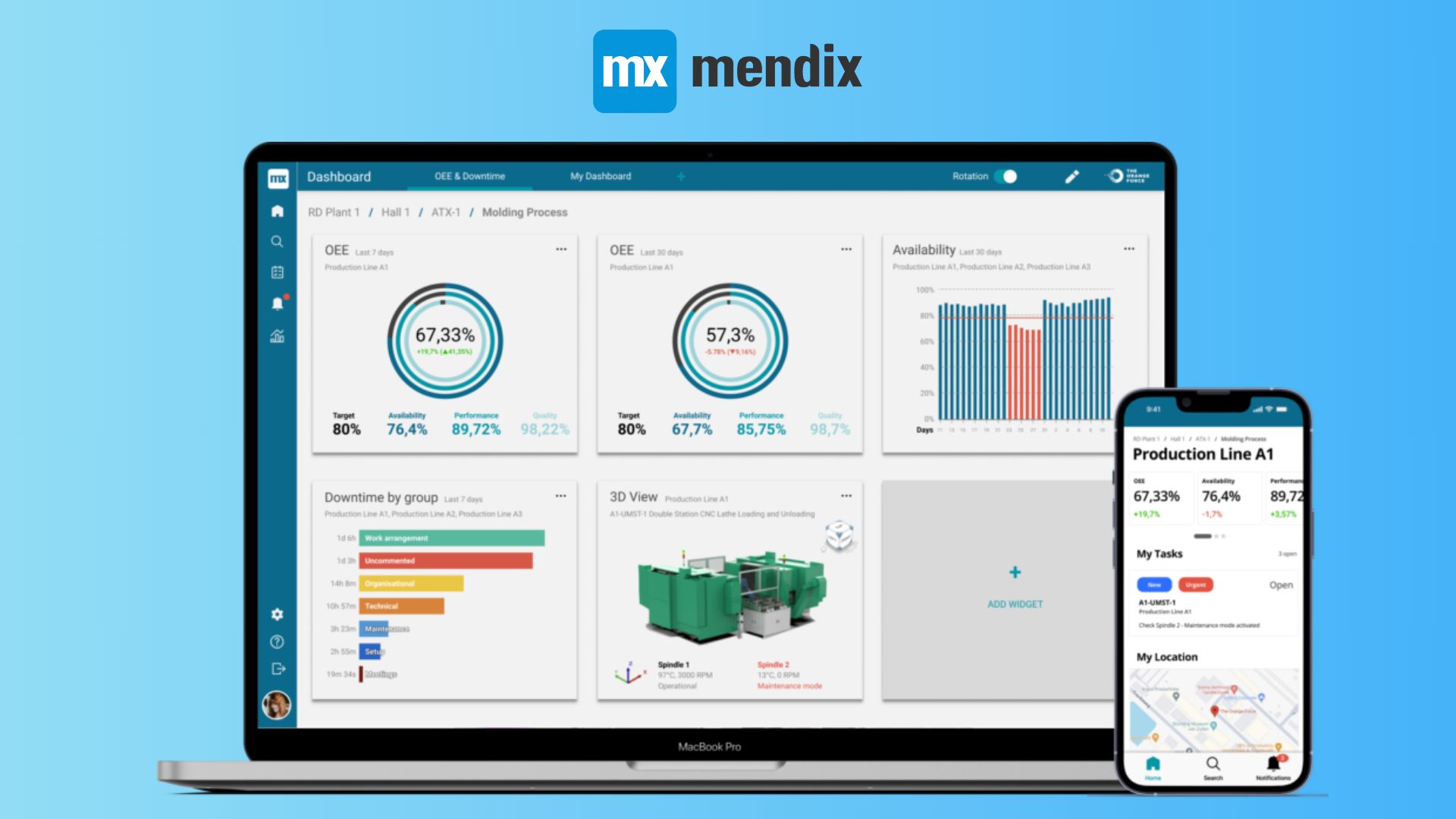
Description: A high-speed, low-code platform offering a powerful, comprehensive toolkit suitable for businesses of all sizes that want rapid development without sacrificing standards.
Key Features:
-
Drag-and-drop interface
-
AI-supported automation
-
Excellent collaboration tools
-
Easy multi-device app development
-
Real-time updates
Compatibility: Highly flexible; supports web, mobile, and desktop applications.
Pricing: Free tier available; paid plans range from $70 to $1,000 per month for advanced features.
2. Appian
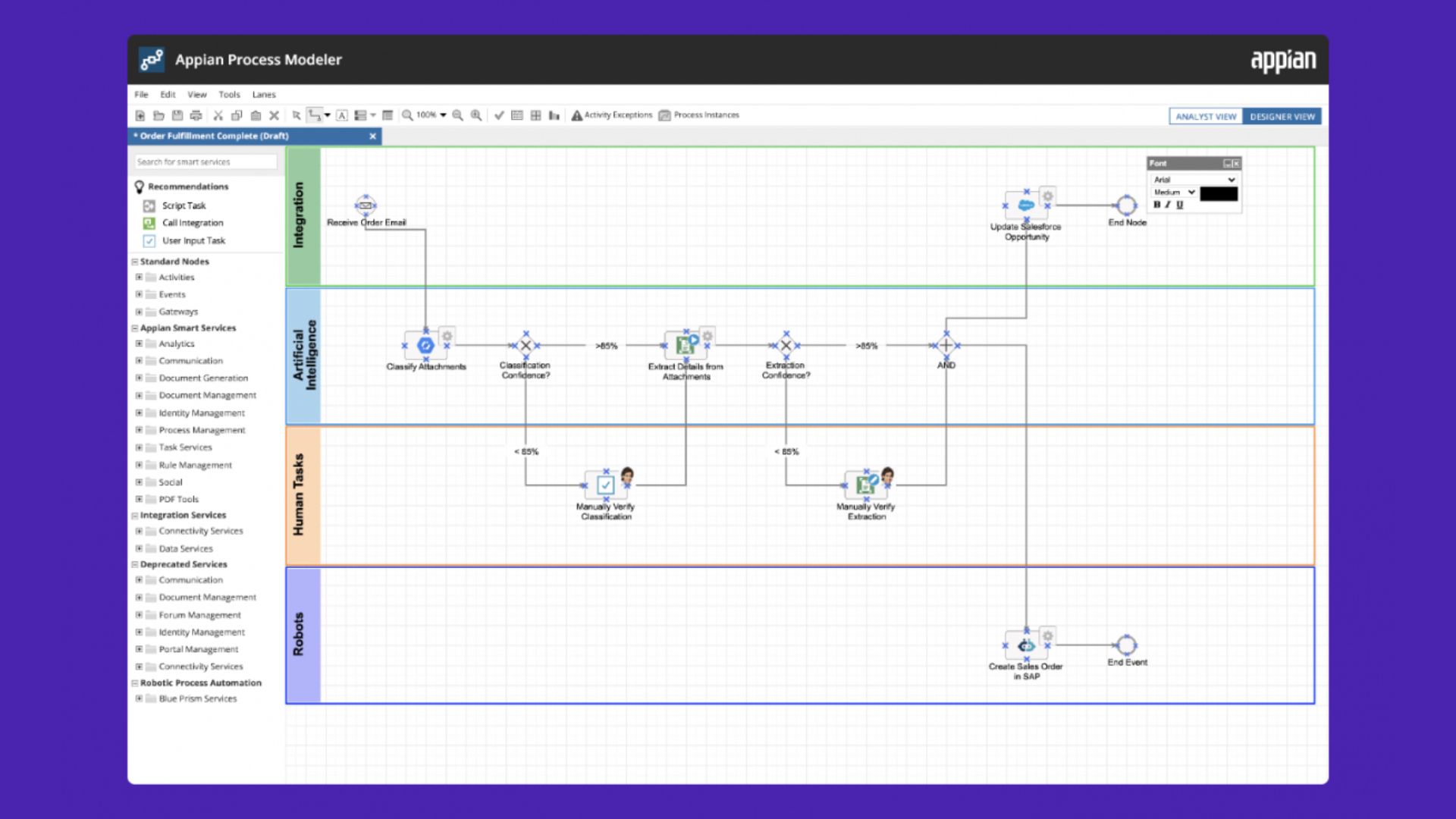
Description: Known for strong automation capabilities, ideal for enterprises prioritizing efficiency and productivity.
Key Features:
-
AI-powered low-code platform
-
Workflow and robot process automation (RPA)
-
Notably easy to use
-
Enterprise-grade security
Compatibility: Web and mobile apps that run seamlessly across devices.
Pricing: Starts at $90 per user/month, with more comprehensive enterprise packages.
3. Xeno
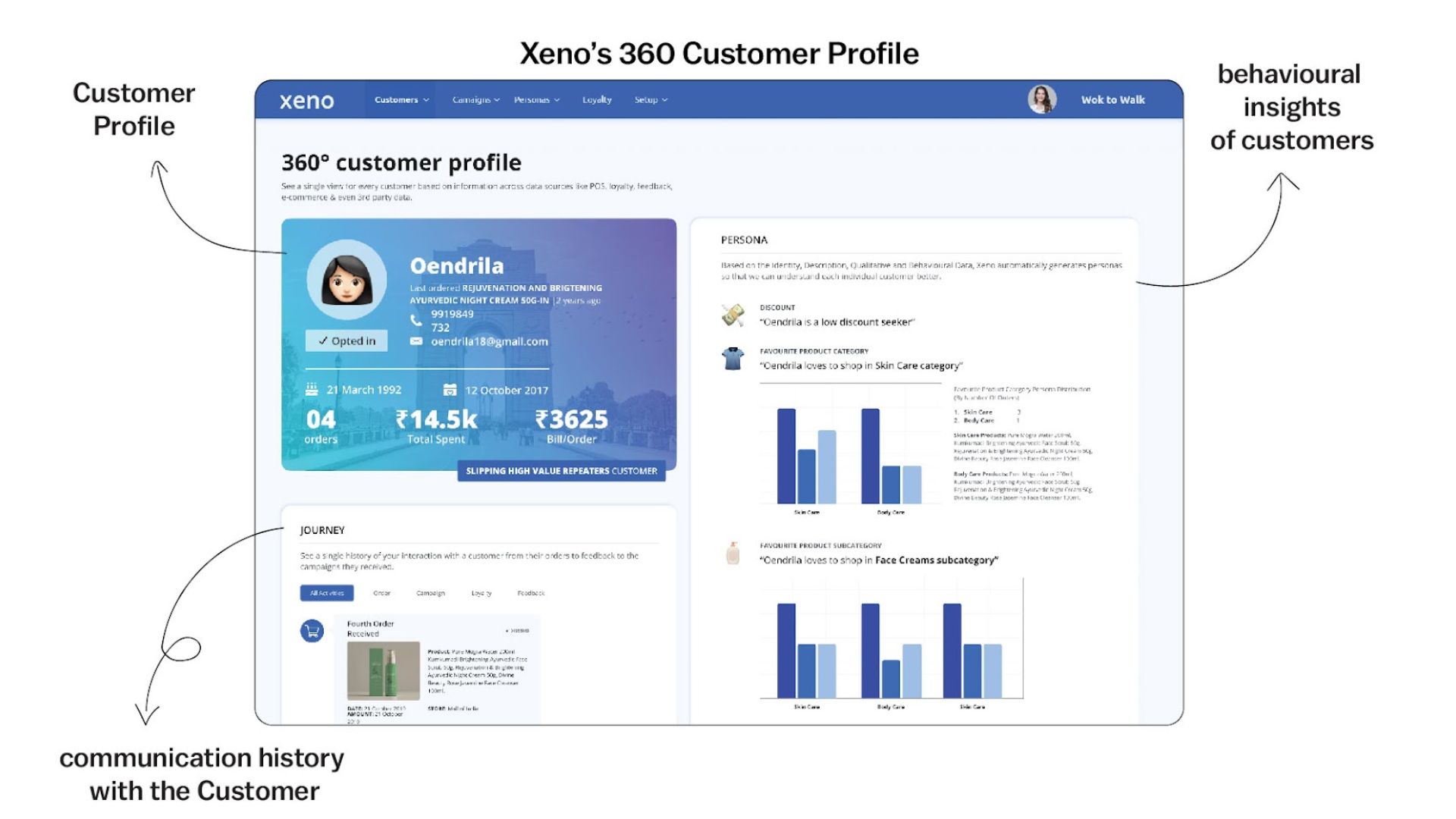
Description: A rising star in the low-code/no-code market, known for its user-friendly design.
Key Features:
-
Large library of templates and prebuilt components
-
Easy-to-use interface
Compatibility: Primarily designed for web apps; supports responsive mobile interfaces.
Pricing: Free and paid plans available; paid plans start at $50 per month.
4. Nintex
Description: A powerful tool for process automation and workflow management, ideal for businesses aiming to improve operational efficiency.
Key Features:
-
Robust document generation functionality
-
Strong e-signature tools
-
Efficient workflow automation
Compatibility: Works well with both web and mobile applications.
Pricing: Starts at $25 per user/month.
5. Betty Blocks
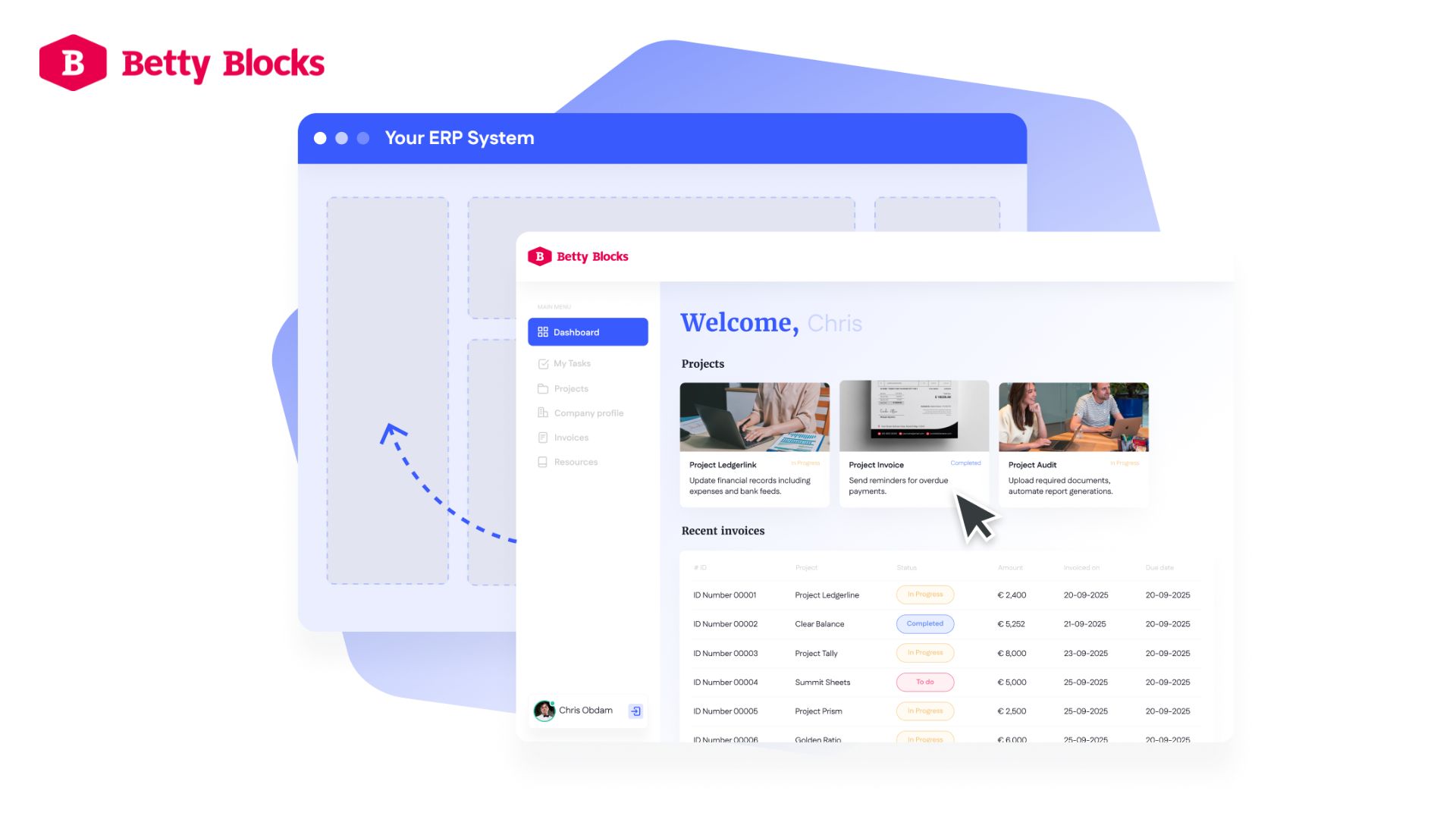
Description: Focuses on enabling users to build complex applications with zero coding, balancing ease of use and customization.
Key Features:
-
Intuitive visual development environment
-
High level of customization
Compatibility: Supports web, mobile, and multi-device applications.
Pricing: Starts at $1,000 per month.
6. Salesforce Lightning
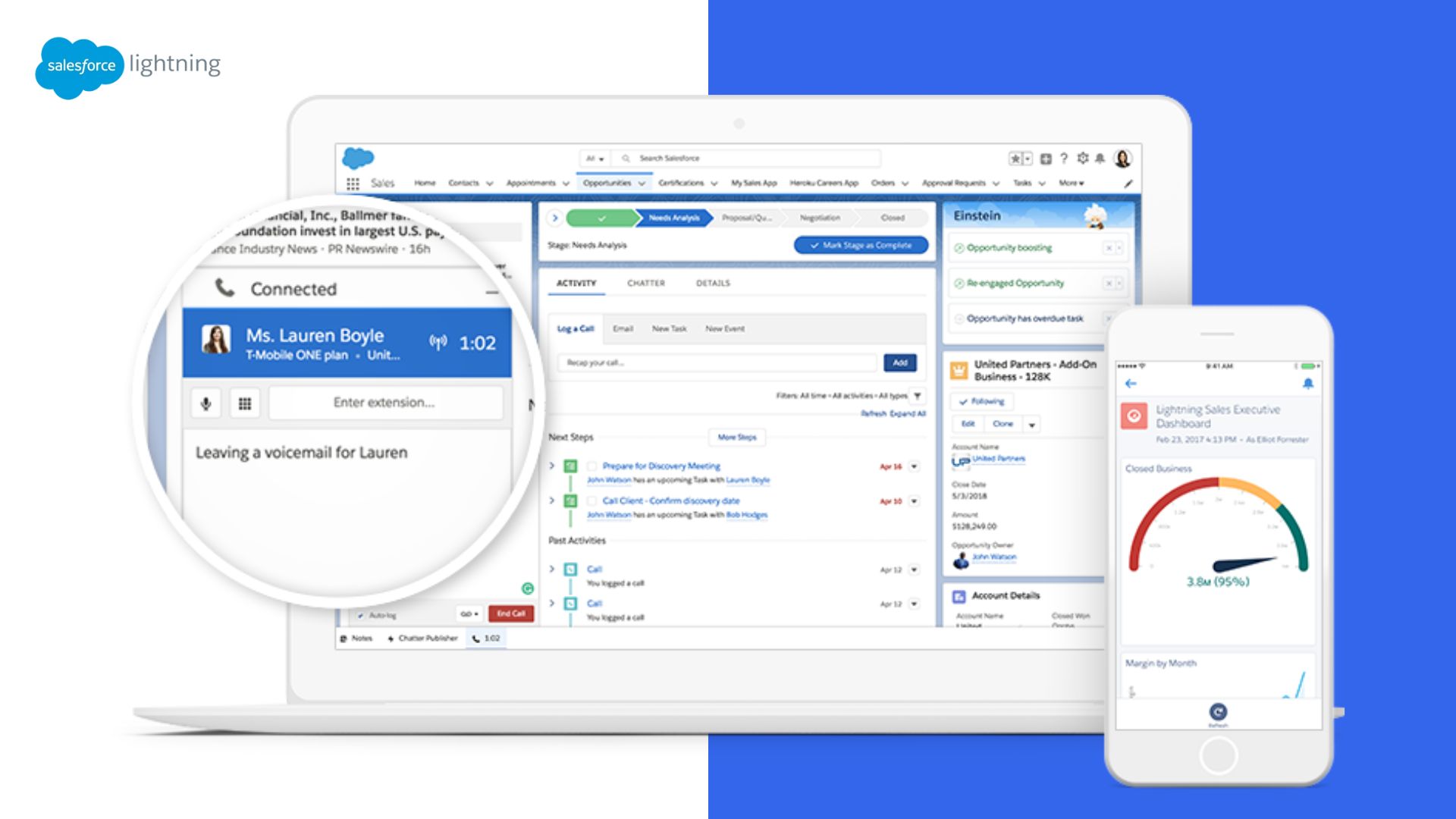
Description: Ideal for companies already using the Salesforce ecosystem, designed for building and managing custom business apps easily.
Key Features:
-
AI capabilities
-
Large collection of built-in components and templates
Compatibility: Works across web, mobile, and desktop environments.
Pricing: Paid plans start at $25 per user/month, with enterprise options.
7. Caspio
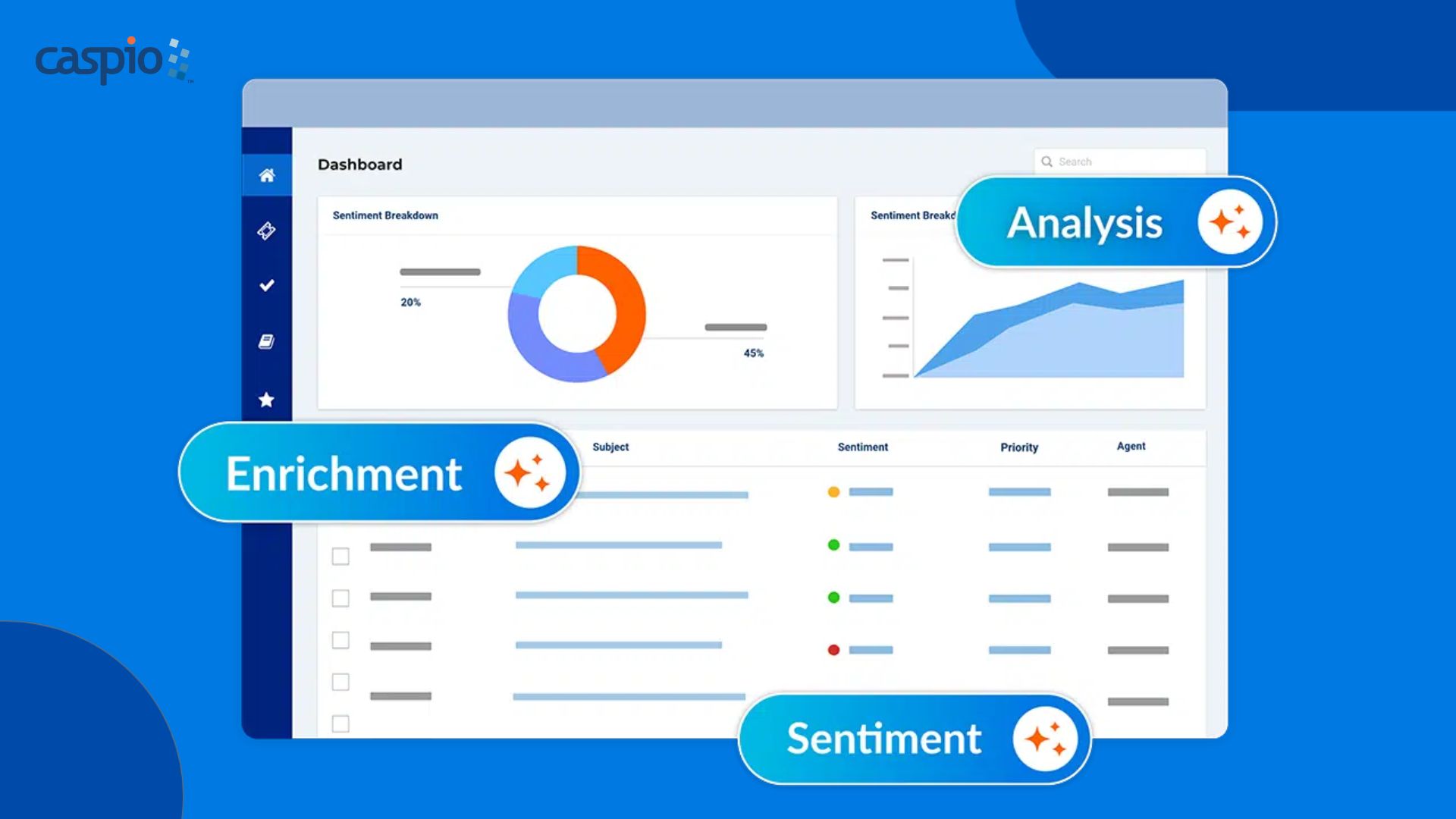
Description: Designed for businesses that need to create database-driven applications without coding — perfect for data-heavy projects.
Key Features:
-
Simple and intuitive
-
Strong database management capabilities
-
Excellent data security
Compatibility: Primarily for web applications, but supports responsive design for mobile use.
Pricing: Paid plans start at $100 per month.
8. Quickbase
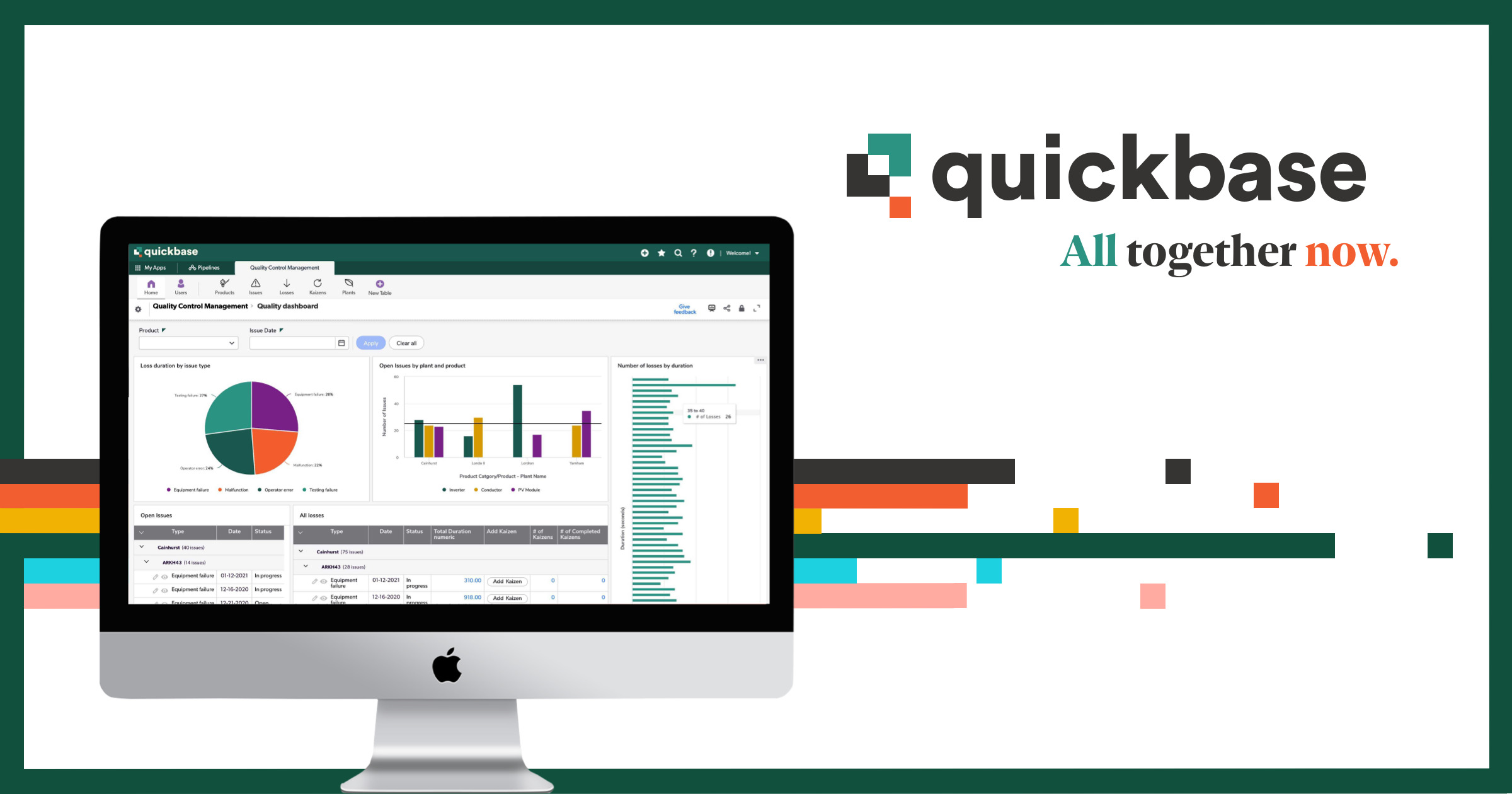
Description: Focuses on flexibility and customization, suitable for companies with unique or evolving needs—from small startups to large enterprises.
Key Features:
-
Pre-built templates and components
-
Strong reporting and analytics
Compatibility: Supports both web and mobile applications.
Pricing: Starts at $600 per month for small teams, with large-scale enterprise plans available.
9. WaveMaker
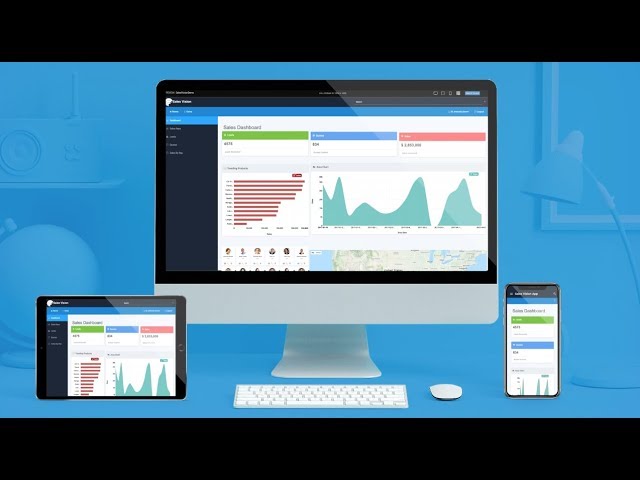
Description: A full-featured low-code development platform with strong mobile app development capabilities — ideal for mobile-first strategies.
Key Features:
-
Drag-and-drop interface
-
Real-time collaboration
-
Multi-device support
-
Outstanding mobile app development features
Compatibility: Supports web, mobile, and desktop applications with consistent user experiences.
Pricing: Starts at $5 per user/month, with enterprise packages available.
10. Jotform
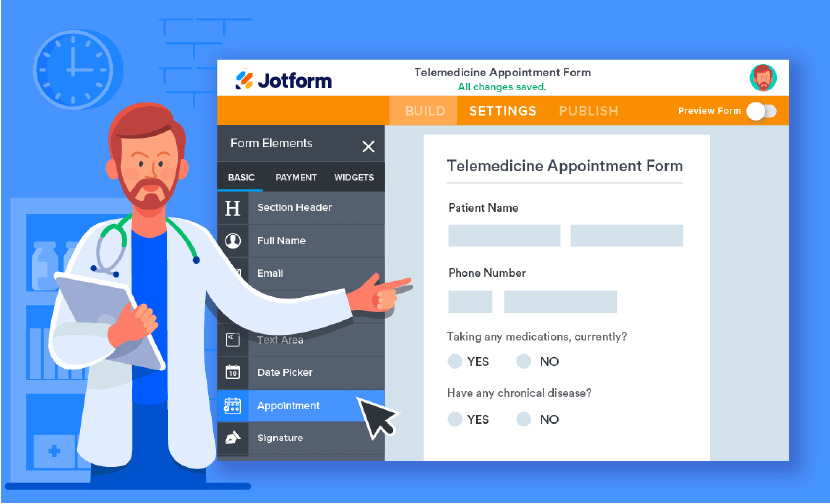
Description: A low-code app builder that anyone can use to create mobile apps quickly and easily. It features a simple design and hundreds of ready-made templates.
Key Features:
-
Built-in templates
-
Drag-and-drop interface
-
Extremely easy to use
Compatibility: Works seamlessly across both mobile and web applications.
Pricing: Paid plans start at $29/month.
How to Choose the Right Platform
-
Assess Your Needs: Identify the type of application you want to build and the complexity of the requirements. This helps narrow down your choices to platforms that best match your goals.
-
Consider Your Budget: Prices vary widely across low-code platforms. While many offer free plans, advanced features and technical support typically require a paid subscription.
-
Test Before You Commit: Most platforms offer free versions or demos. Take advantage of these trials to ensure the platform meets your expectations before making long-term decisions.
Conclusion
Low-code is the future of application development. It delivers faster development times, lower operational costs, and empowers anyone—even those without technical backgrounds—to build powerful applications.
Whether you’re an experienced developer or a complete beginner, there is always a low-code tool that fits your needs. Take advantage of these platforms to launch your applications with speed and efficiency — because the future of software development belongs to Low-Code.
If you have a need for rapid application development using a low-code platform, contact HomeNest Software immediately – we will accompany you in realizing every idea efficiently and professionally.
HomeNest Software – A Foundation for Sustainable Growth for Vietnamese Businesses.

Contact Information:
- Address: The Sun Avenue, 28 Mai Chi Tho Street, Binh Trung Ward, Ho Chi Minh City
- Hotline: +84 898 994 298 ( WhatsApp )
- Website: homenest.software
Frequently Asked Questions (FAQ)
1. What is Low-code/No-code?
Low-code/No-code platforms help you develop fully functional applications or web solutions quickly with minimal coding.
2. What are the key benefits of Low-code for businesses?
Key benefits include increased adaptability to market changes, accelerated development time, and saving time and costs by simplifying the modernization of legacy systems.
3. What is a “Citizen Developer”?
A Citizen Developer is a non-technical or non-programming user who can still create powerful applications by using Low-code platforms.
4. What are the most crucial factors when choosing a Low-code platform?
The most crucial factors are: Ease of Use (drag-and-drop interface), Customization and Flexibility (support for custom code and unique workflows), Scalability (support for large user bases and complex apps), and Integration Capabilities with existing systems.
5. How does Low-code address security and compliance?
Low-code platforms integrate comprehensive security features (such as data encryption, access controls) and regularly comply with industry standards like GDPR and HIPAA, providing confidence in data safety.
6. Which platform is strongest for process automation?
Appian is known for its strong automation capabilities (Workflow and RPA), and Nintex is also a powerful tool for process management and workflow automation.
Latest Articles
View All
How Much Does It Cost To Develop A Food Delivery App Like Zomato?
Discover the complete cost breakdown and technical roadmap to build a Zomato-like food delivery app with HomeNest Software. This guide explores budget tiers, the essential 4-panel architecture (Customer, Merchant, Driver, Admin), modern tech stack recommendations, and proven monetization strategies. Learn how HomeNest Software transforms your digital platform vision into a scalable, high-yielding business asset!
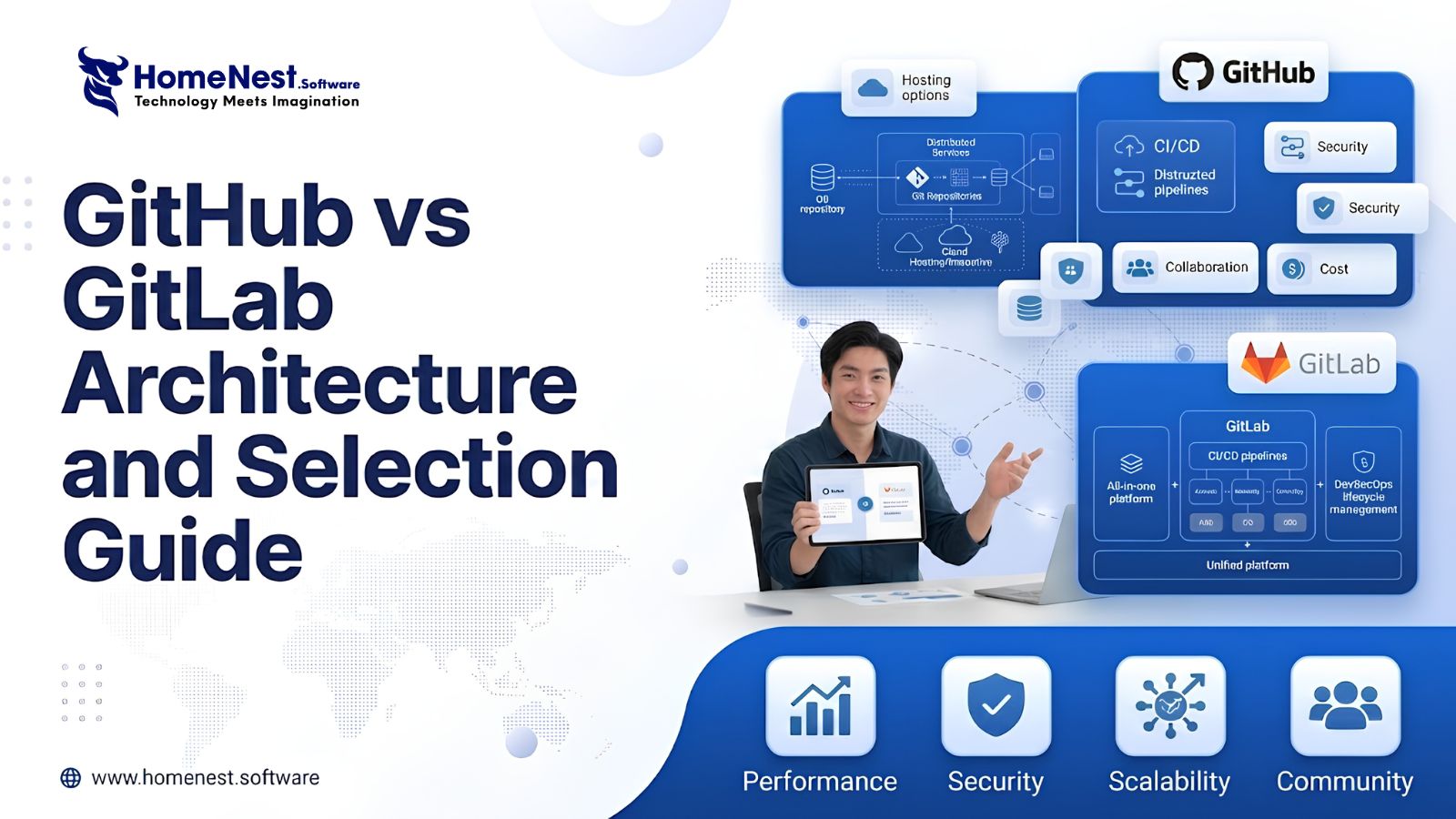
GitHub vs GitLab – Architecture and Selection Guide
Managing source code requires stable infrastructure. Automating software releases requires reliable pipelines. Tool sprawl creates operational complexity. Engineering teams face friction when using fragmented DevOps tools. Selecting between GitHub and GitLab shapes long term development efficiency.
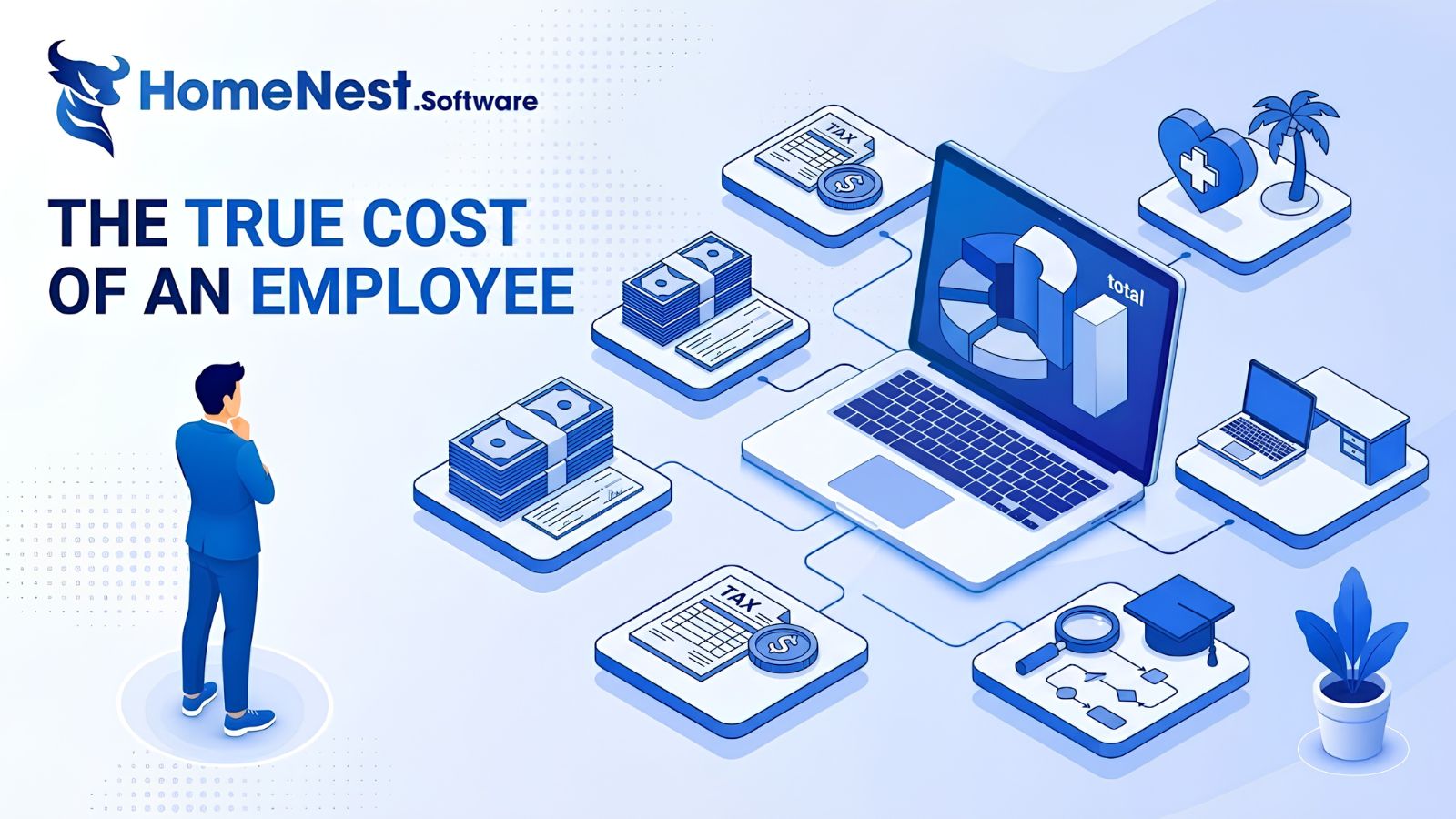
The True Cost of an Employee: A Complete Breakdown for Employers
This article reveals that the true cost of an employee is typically 25% to 40% higher than their base salary due to hidden expenses like taxes, benefits, workspace, and recruiting. To address this, the guide provides a detailed 7-step framework to accurately calculate total employer costs, alongside actionable strategies to optimize budgets and improve retention without reducing pay.
Essential Tips To Develop A Music Streaming App
Discover expert tips to develop a successful music streaming app with HomeNest Software. This guide covers essential features, legal licensing, and scalable technology stacks. Learn how to build a robust, cross-platform application with AI personalization to stand out in the 2026 competitive audio market.
How to Build a Language Learning App Like Cake
Discover how to build a successful language learning app like Cake with this comprehensive guide from HomeNest Software. We explore market research, essential MVP features, advanced AI integrations, tech stack selection, and estimated development costs. Partner with HomeNest Software to create a scalable, gamified, and highly engaging educational platform tailored to your business goals. Start your app development journey with us today.
How to Build an App Like TaskRabbit: Features, Cost, Tech Stack – Business Model
Building an app like TaskRabbit is more than replicating existing features—it’s about creating a trusted marketplace that seamlessly connects customers with skilled service providers. By combining an intuitive user experience, secure payment systems, scalable architecture, and the right business model, you can launch a competitive on-demand platform. Partnering with an experienced app development company like HomeNest Software ensures your product is built with the technology, flexibility, and long-term scalability needed to succeed in the rapidly growing gig economy.