
What Is Salesforce? Key Benefits It Brings to Businesses
Scope of Work

Salesforce is the world’s leading Customer Relationship Management (CRM) platform, built on a SaaS (Software as a Service) model. It delivers a modern cloud ecosystem that enables businesses to streamline sales operations, enhance customer service, and manage their entire organization more efficiently.
With over 23.8% global CRM market share and more than $31 billion in revenue in 2023, Salesforce has become the preferred choice for millions of businesses from startups to multinational enterprises. One of its key strengths lies in its flexibility and scalability, allowing companies to tailor solutions based on their size, industry, and unique business processes. Salesforce supports both declarative customization (no-code/low-code) and programmatic customization (advanced development), making it easy to extend functionality as business needs evolve.
Another major advantage of Salesforce is its robust integration capabilities. Through tools like Salesforce Connect, AppExchange, and APIs, businesses can seamlessly connect with third-party systems, ensuring real-time data synchronization. This eliminates data silos, improves cross-team collaboration, and supports more informed strategic decision-making. As a result, organizations gain a 360-degree view of their customers from purchasing behavior and interaction history to individual preferences enabling more personalized services and enhanced customer experiences.
Overview of Salesforce Software
Salesforce offers a comprehensive ecosystem of solutions, including Sales Cloud, Service Cloud, Marketing Cloud, Commerce Cloud, Analytics Cloud, and many more. As a cloud-based platform, it enables businesses to access data and applications anytime, anywhere, across multiple devices.
With Salesforce, companies can track the entire customer journey from initial leads to loyal customers. The system stores detailed customer information, including personal data, interaction history, and purchasing behavior, allowing businesses to deliver personalized services and optimize the overall customer experience.
Key Benefits of Salesforce
-
Centralized Customer Data Management: All customer information is stored on a single platform, saving time and improving operational efficiency.
-
Sales Process Automation: Reduces manual work, accelerates deal closures, and enhances the productivity of sales teams.
-
Omnichannel Integration: Seamlessly connects with third-party applications such as Google Cloud, Mailchimp, WhatsApp, and LinkedIn, enabling flexible system expansion.
-
Revenue Growth: Businesses using Salesforce report up to a 44% increase in leads, 37% growth in sales revenue, and 45% improvement in customer retention.
-
Intelligent Data Analytics: Built-in AI capabilities help predict customer behavior, personalize experiences, and support strategic decision-making.
Core Features of Salesforce
-
Lead and Opportunity Management: Track contracts in detail and analyze sales opportunities based on value and competitive landscape.
-
Customer Data Repository: Store all contact details, transaction history, and interactions with advanced search, tagging, and ranking capabilities.
-
Partner Relationship Management: Share business data, manage partnership stages, and build strong partner ecosystems.
-
Workflow Automation: Automate approvals, task assignments, and resource allocation to streamline operations.
-
Reporting and Analytics: Aggregate data from multiple channels to evaluate campaign performance and guide business decisions.
-
Integration and Scalability: Easily integrate with ERP systems, eCommerce platforms, and other enterprise software for seamless expansion.
Read more: Hire Software Developers in Vietnam: Your Long-Term Technology Partner
Pros and Cons of Salesforce
| Advantages | Disadvantages |
|---|---|
| Highly customizable, suitable for businesses of all sizes | High implementation costs, especially for complex projects |
| Extensive integration with third-party applications | Requires training and user support to fully leverage features |
| Comprehensive solutions for CRM, sales, and marketing | Can be complex when customizing and integrating systems |
| Advanced analytics with AI-powered insights | Depends on high-quality input data for optimal performance |
Salesforce Implementation Costs

The cost of implementing Salesforce depends on several key factors, including:
-
Project Size and Complexity: The more complex the project especially with advanced integrations, workflow automation, or data analytics the higher the implementation cost.
-
Number of Users: Salesforce pricing is typically based on per-user licenses, so larger teams will result in higher subscription costs.
-
Level of Customization: Custom requirements such as creating new data fields, developing custom applications, or automating business processes can significantly increase costs.
-
System Integrations: Connecting Salesforce with third-party platforms (e.g., ERP, email marketing tools, eCommerce systems) also impacts the overall budget.
-
Data Quality and Volume: Data cleansing, standardization, and migration are critical steps that can add to the total implementation cost.
Estimated Salesforce Implementation Costs in 2025
-
Small Businesses: Typically range from $10,000 to $50,000, covering basic setup, simple customization, and user training.
-
Mid-Sized Businesses: Usually between $50,000 and $180,000, including advanced integrations, workflow automation, and a larger number of users.
-
Large Enterprises: Complex projects involving deep integrations, custom development, AI capabilities, and advanced analytics can exceed $200,000.
Cost Breakdown
-
Consulting and Implementation Services: Generally range from $2,000 to $20,000, depending on project scope and partner support.
-
Basic Customization: Around $10,000 to $20,000 for simpler configuration needs.
-
Advanced Customization: Can exceed $50,000 for custom app development or complex system integrations.
-
Licensing Fees: Start from approximately $25 per user/month for basic plans and can go up to $500 per user/month for advanced packages with AI capabilities.
Overall, Salesforce implementation costs are highly flexible and scalable, making the platform suitable for businesses of all sizes from small startups to large enterprises depending on their specific needs and strategic goals.
Read more: IT Outsourcing Costs: What Businesses Should Expect
Why Do Businesses Need Salesforce?
Salesforce has become a strategic choice for thousands of companies worldwide thanks to its ability to drive business performance and deliver exceptional customer experiences. Here are the key reasons why businesses should consider Salesforce:
-
Optimize Business Efficiency: Salesforce centralizes customer data and automates sales, marketing, and customer service processes. This helps accelerate deal closures, reduce time spent on manual tasks, and improve overall team productivity. Its powerful automation features also enable businesses to allocate resources more effectively and track campaign performance with ease.
-
Personalize Customer Experiences: With a 360-degree view of customer data, Salesforce allows businesses to understand individual needs, behaviors, and interaction histories. This enables highly personalized services, improves customer satisfaction, increases retention rates, and turns customers into loyal brand advocates.
-
Data-Driven Strategic Decision Making: By integrating AI and advanced analytics, Salesforce empowers businesses to predict market trends, identify opportunities, and make faster, more informed decisions. Real-time dashboards and reports give leadership clear visibility into business performance at any moment.
-
Scalability and Long-Term Growth: As a flexible cloud platform, Salesforce is suitable for businesses of all sizes from startups to large enterprises. Companies can easily scale their systems, integrate new applications, and develop custom solutions without worrying about underlying infrastructure.
Read more: The Ultimate Guide to Choosing a Software Development Company
Comparison: Salesforce vs Other CRM Platforms
| Criteria | Salesforce | Zoho CRM | HubSpot CRM | Microsoft Dynamics 365 |
|---|---|---|---|---|
| Features | Comprehensive, enterprise-grade features with strong AI and automation | Solid core features, intuitive and user-friendly interface | Free basic CRM, marketing-focused, easy to use | Powerful ecosystem with AI and deep Microsoft integration |
| Customization | अत्य High, suitable for all business sizes including complex enterprises | Moderate, best for small to mid-sized businesses | نسب Flexible, but more limited than Salesforce | Very high, strongly supported by Power Platform |
| Cost | Higher cost, ideal for large enterprises with complex needs | Competitive pricing, suitable for SMEs | Free basic plan, reasonably priced advanced tiers | Higher cost, designed for large organizations |
| Integration | Highly flexible with thousands of third-party apps (AppExchange) and robust APIs | Basic integrations, mainly within Zoho ecosystem | Strong integrations with marketing tools like Mailchimp, Shopify | Deep integration with Microsoft 365, Power BI |
| Best For | Large, complex businesses needing deep customization and automation | Small to mid-sized businesses seeking affordability and ease of use | Startups and small businesses focused on marketing | Large enterprises needing full Microsoft ecosystem integration |
Overall Evaluation
-
Salesforce: The top choice for large and complex organizations that require deep customization, advanced automation, and extensive third-party integrations. It stands out with powerful AI capabilities, advanced analytics, and a rich AppExchange ecosystem.
-
Zoho CRM: A strong option for small and medium-sized businesses thanks to its competitive pricing, intuitive interface, and solid integration within the Zoho ecosystem though it offers less flexibility compared to Salesforce.
-
HubSpot CRM: Ideal for startups and small businesses, especially those focused on marketing. Its free entry-level plan and ease of use make it quick to deploy, with strong integrations for marketing tools.
-
Microsoft Dynamics 365: A robust enterprise solution with deep integration into the Microsoft ecosystem. It is well-suited for large organizations needing end-to-end management across sales, services, and finance, supported by powerful AI capabilities.
Read more: Top Outsourcing Companies in the World
The Optimal Choice for Modern Customer Management
Salesforce stands as the world’s leading CRM solution, empowering businesses to manage customer relationships, optimize sales processes, and enhance overall performance. While the implementation cost can be significant, the long-term value it delivers makes it a worthwhile investment for organizations aiming for sustainable growth and strong competitive advantage.
Beyond Salesforce, businesses can also explore other CRM solutions that better align with their size, budget, and specific needs. HomeNest Software Wiki hopes this guide helps you identify the most suitable CRM platform to support your business success.
About HomeNest Software
HomeNest Software specializes in professional custom software development, enabling businesses to digitize processes, boost productivity, and achieve sustainable competitive advantages. With a highly experienced team, we are committed to delivering high-quality technology solutions tailored to your unique business needs.
Contact HomeNest Software today for expert consultation and a detailed quotation start your journey toward digital success with us!

Contact Information:
- Address: The Sun Avenue, 28 Mai Chi Tho Street, Binh Trung Ward, Ho Chi Minh City
- Hotline: +84 898 994 298 ( WhatsApp )
Frequently Asked Questions About Salesforce
Can Salesforce be paid monthly?
Yes. Salesforce offers flexible subscription plans that can be billed monthly or annually, depending on your business needs.
What systems can Salesforce integrate with?
Salesforce integrates seamlessly with a wide range of third-party systems, including Google Cloud, Mailchimp, WhatsApp, LinkedIn, eCommerce platforms, project management tools, customer support systems, and more.
What types of businesses is Salesforce suitable for?
Salesforce is suitable for businesses of all sizes from startups to large enterprises. It is especially effective for organizations that require deep customization, process automation, and extensive system integrations.
Is Salesforce difficult to use?
Salesforce features a user-friendly interface and is relatively easy to use for standard functions. However, more complex customization may require technical expertise or support from implementation partners.
Are there alternatives to Salesforce?
Yes. Popular alternatives include Zoho CRM, HubSpot CRM, and Microsoft Dynamics 365. Each platform offers unique strengths depending on your business size and requirements.
Alternatively, you can work with HomeNest Software to build a fully customized software solution or CRM tailored specifically to your business, helping you optimize operations and improve efficiency.
Latest Articles
View All
Criteria For Choosing The Right App Design Agency
UI/UX design is the logical foundation of a system, not merely a visual element. Choosing the wrong partner will directly lead to technical debt, budget overruns, and disruptions in the development process. This article provides a 6-step evaluation framework and a list of operational risks, helping businesses eliminate subjective design advice and accurately assess agency capabilities based on developer handoff standards and practical business performance.

How Does AI in Banking Industry Impact the Future?
Artificial intelligence (AI) has transitioned from a supplementary tool to a core infrastructure of financial data management, optimizing profitability through real-time fraud detection, natural language processing (NLP), and high-speed credit scoring models. “Deploying AI in the financial sector requires more than just algorithmic accuracy, it demands a highly secure cloud architecture and rigorous data governance,” commented Nguyen Tien, co-founder of HomeNest Software. Why read this guide? We skip the theoretical jargon to focus entirely on technical implementation. Whether you’re evaluating a vendor or planning a system overhaul, this article will detail: Operational Efficiency: Automating unstructured data workflows at scale. Risk Architecture: Implementing real-time threat detection and AML compliance. Data ownership: The essential need for 100% ownership of the source code to ensure full algorithm auditability.
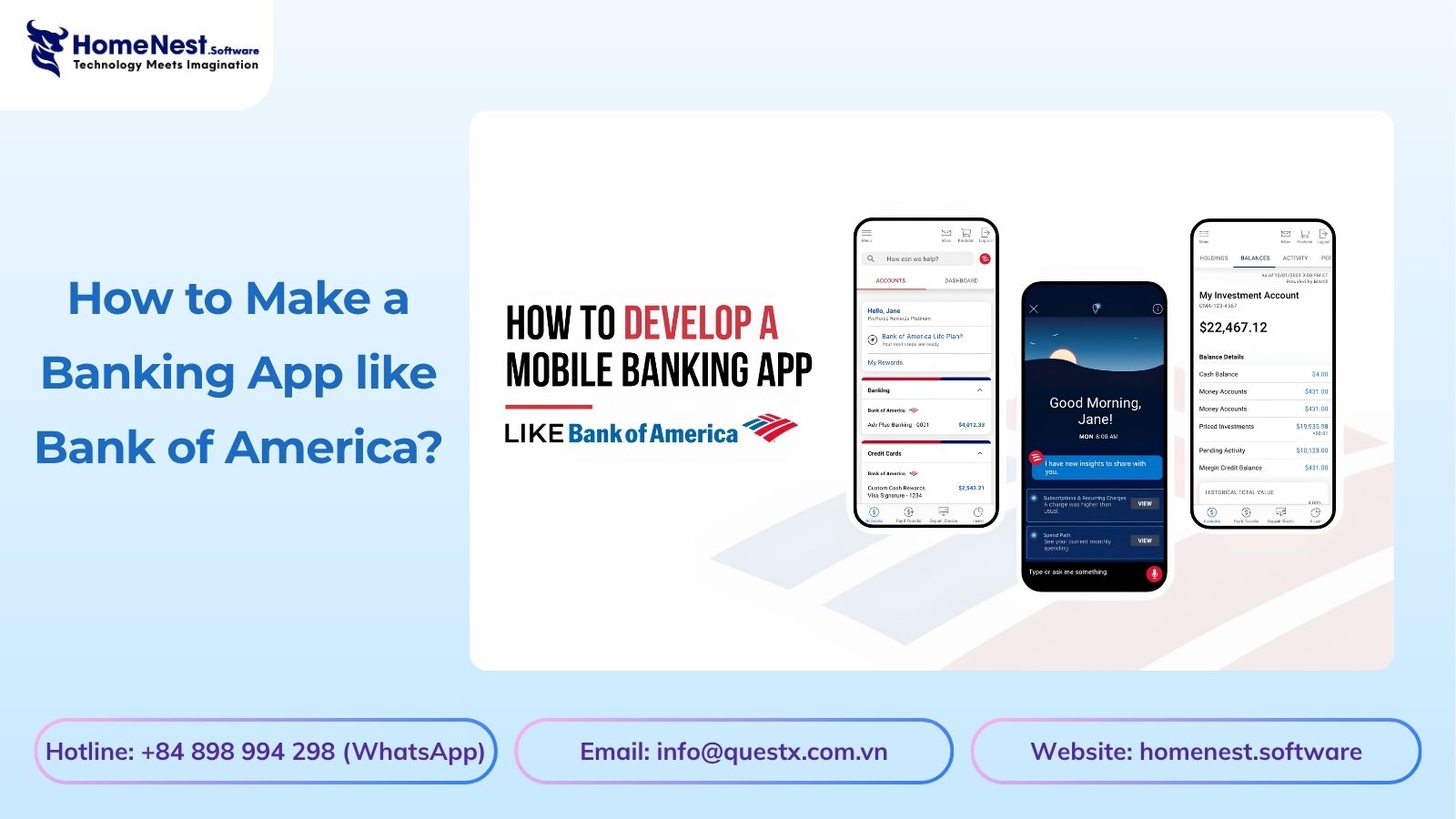
How to Make a Banking App like Bank of America?
Developing a mobile banking application like Bank of America extends far beyond basic UI design; it requires engineering a fault-tolerant backend capable of real-time ledger synchronization, biometric authentication, and high-volume data processing under strict regulatory frameworks. Drawing from HomeNest Software’s deep experience in architecting enterprise-grade fintech solutions, this guide strips away theoretical jargon to focus entirely on operational and technical execution. What you will find in this guide: We break down the precise development roadmap, from mapping out microservices and ensuring PCI-DSS compliance to estimating MVP development costs and securing absolute data sovereignty through 100% source code ownership. If you are preparing to build, scale, or audit a financial platform, this blueprint provides the exact framework you need.
Banking App Development Cost
Building a banking application is rarely a simple process; it’s a complex technical challenge requiring a balance between complying with stringent financial regulations, handling large transaction volumes, and a scalable cloud architecture. Miscalculating these technical requirements from the outset often leads to significant technical debt and budget overruns. Based on HomeNest Software’s practical experience in designing enterprise-grade fintech solutions, this guide bypasses generic estimates to provide a realistic analysis of banking application development costs. What you’ll find in this guide: We analyze the true cost factors, from technology selection and API integration to the hidden costs of regulatory compliance and security infrastructure. Whether you’re launching a minimum viable product or expanding an existing financial platform, this analysis provides the precise operational data you need to plan your budget effectively.
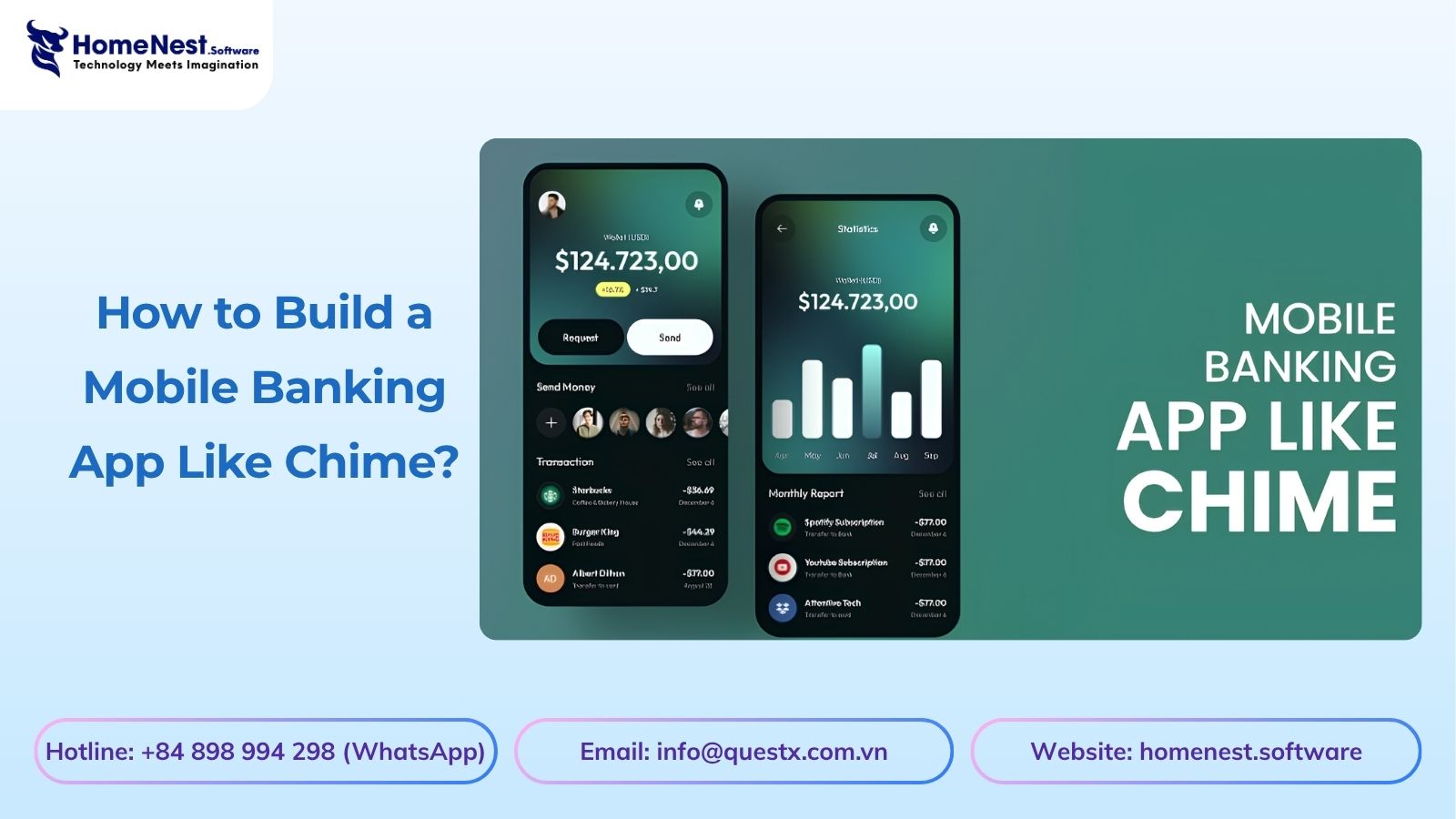
How to Build a Mobile Banking App Like Chime?
Building a mobile banking app like Chime is not just about features, it is about delivering a secure, scalable, and user-centric financial experience. From planning the right architecture to optimizing mobile banking app development cost, every decision directly impacts your product’s success. Leveraging Fintech app development services, starting with MVP app development, and scaling through on-demand app development solutions allows businesses to reduce risk and accelerate time to market. To stay competitive, combining Android app development services and iOS app development solutions ensures wider reach, while continuous updates through maintenance software development services keep your app secure and future-ready.

How to Build a Banking App Like Barclays: A Complete Entrepreneur’s Guide
Building a banking app like Barclays requires more than just development. It demands a strong product vision, secure architecture, and a clear monetization strategy. From optimizing cost and selecting the right tech stack to ensuring compliance and scalability, every decision impacts long-term success. Partnering with an experienced team like HomeNest Software helps accelerate development, reduce risks, and deliver a high-quality fintech product that can compete in today’s fast-evolving digital banking landscape.